Feb 2022 - Aug 2023
Context
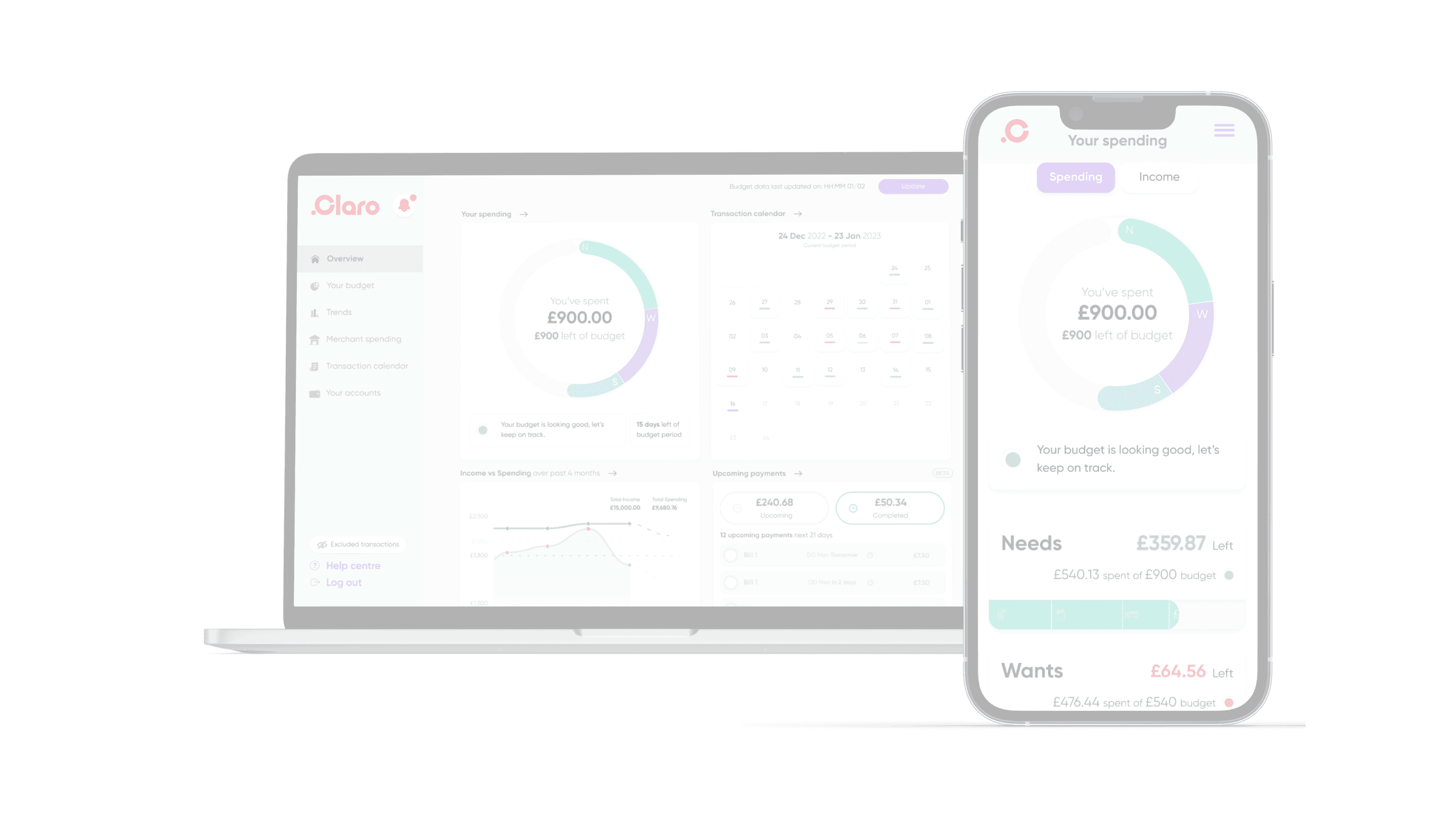
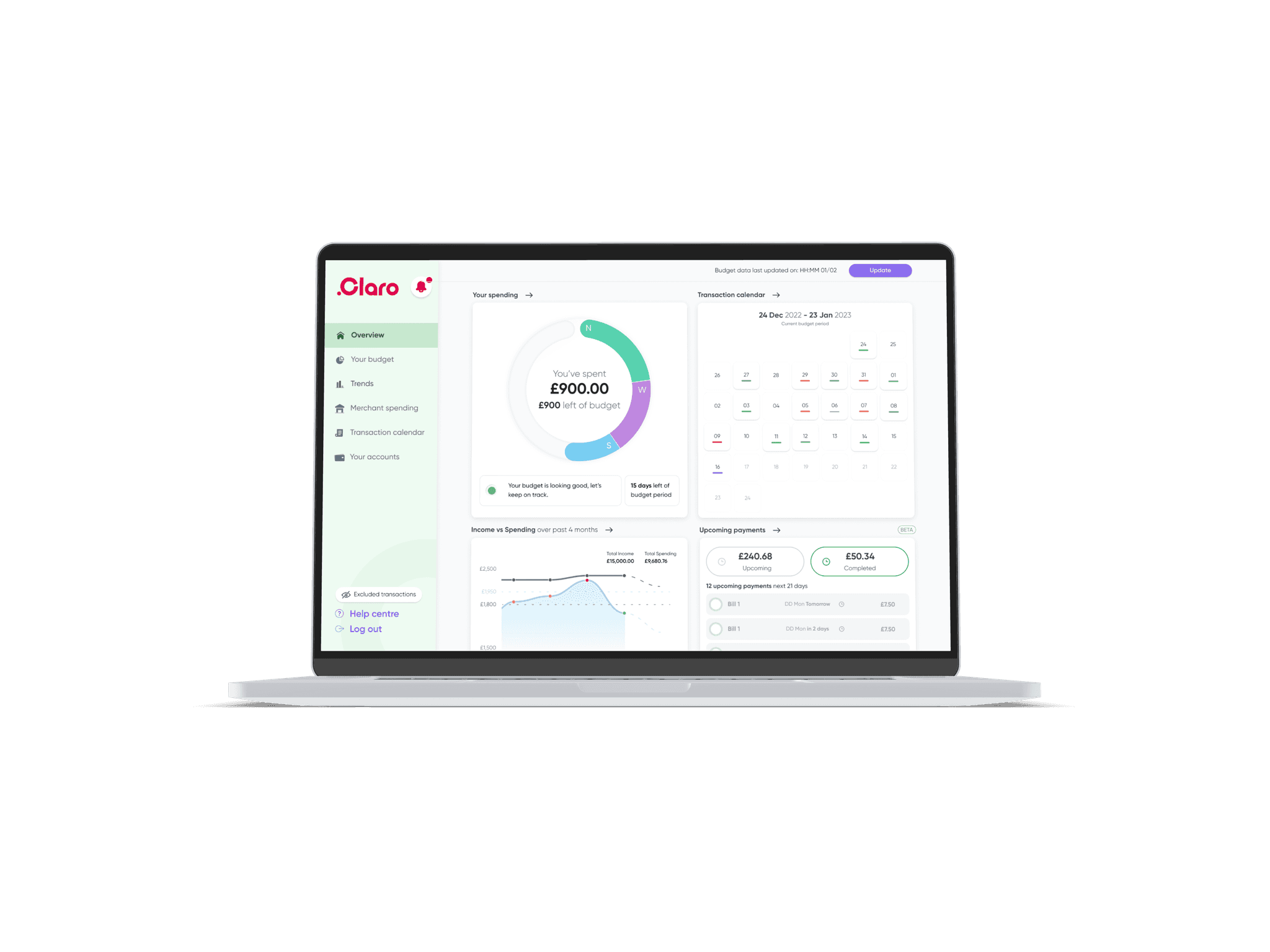
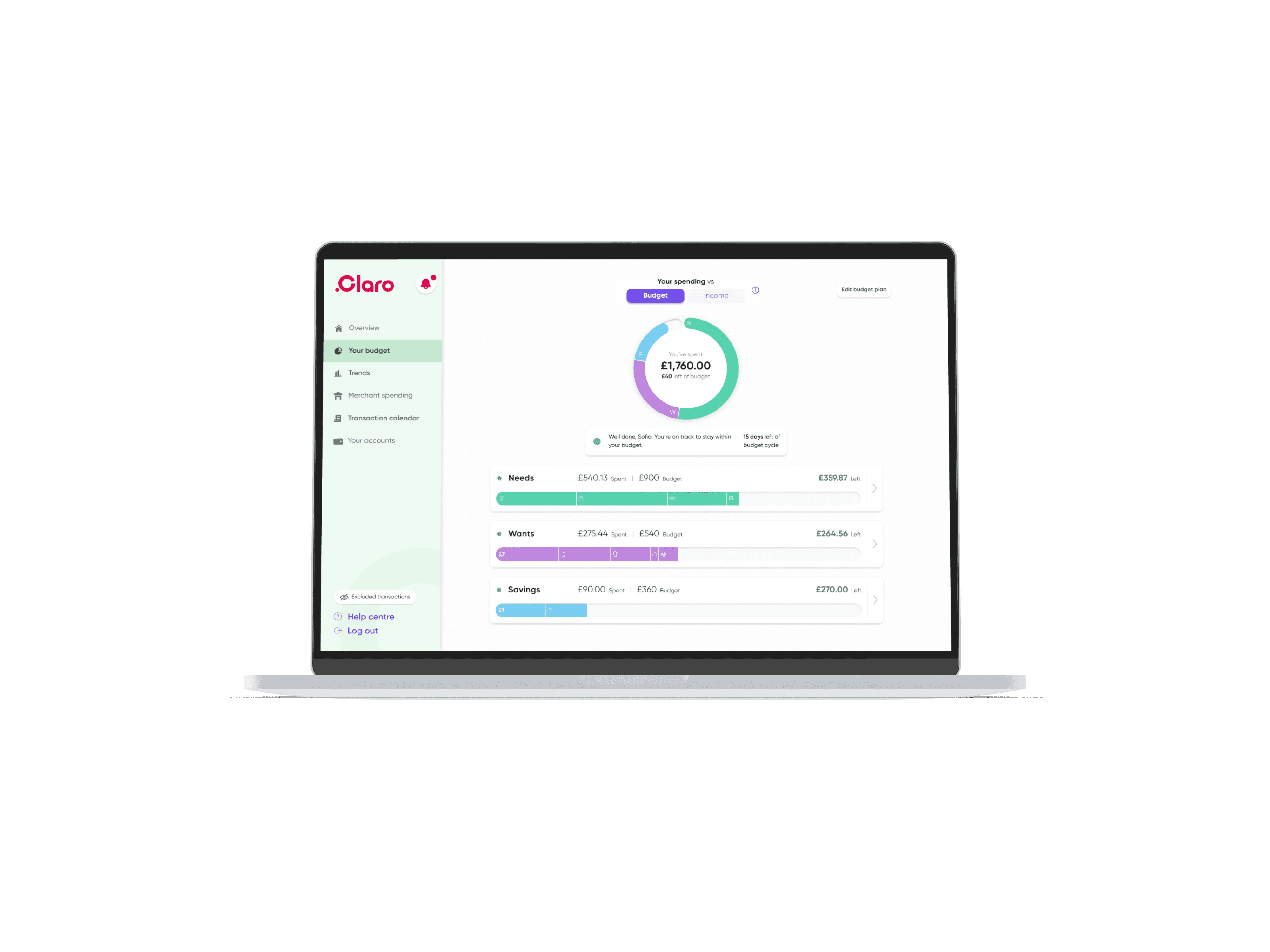
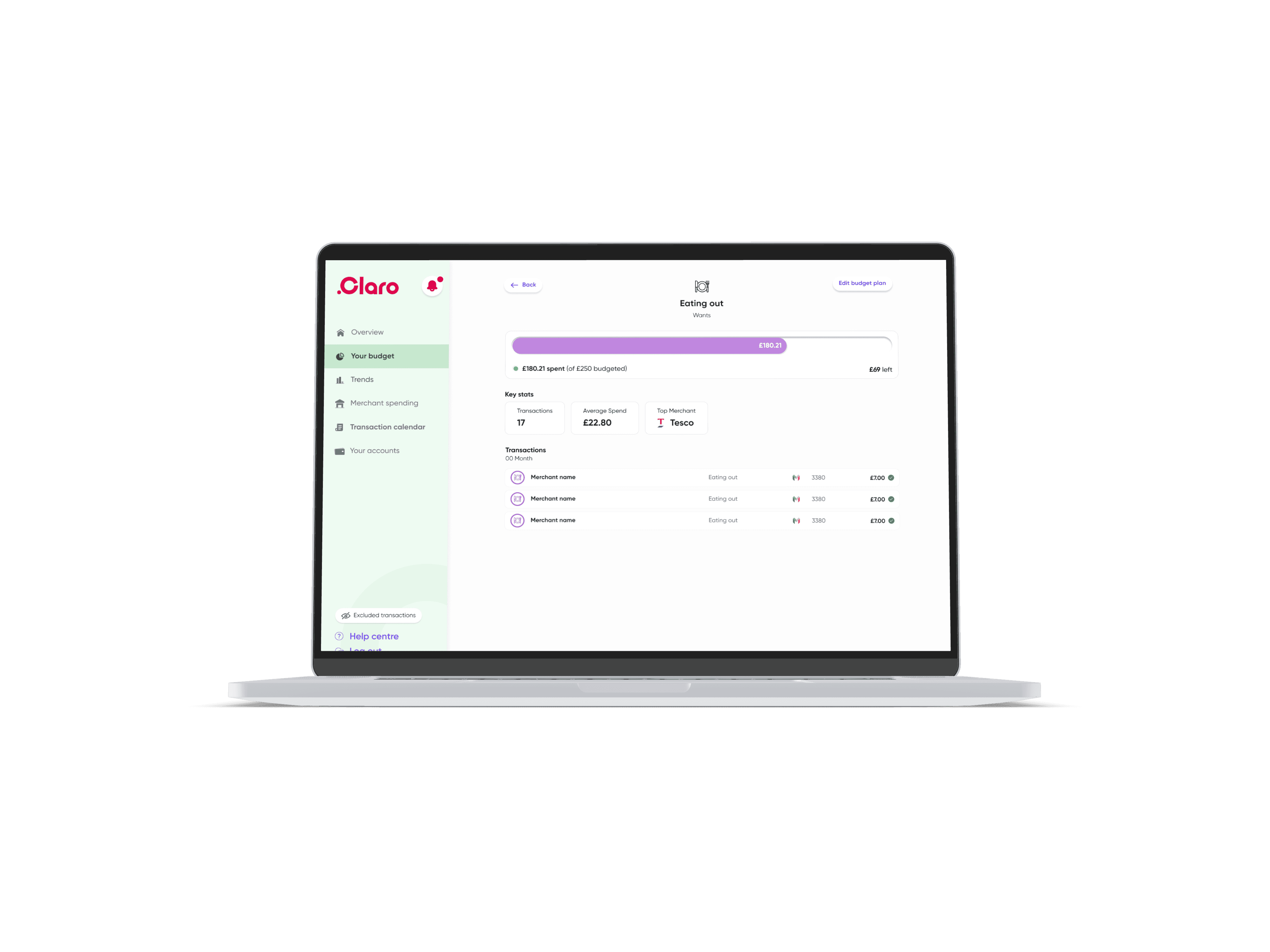
As UX/UI Designer, at Claro Wellbeing was to design a multi functioning budgeting tool, for desktop and mobile, to competitively break into the market.
Key Deliverables
Desktop
mobile
Competitor Analysis
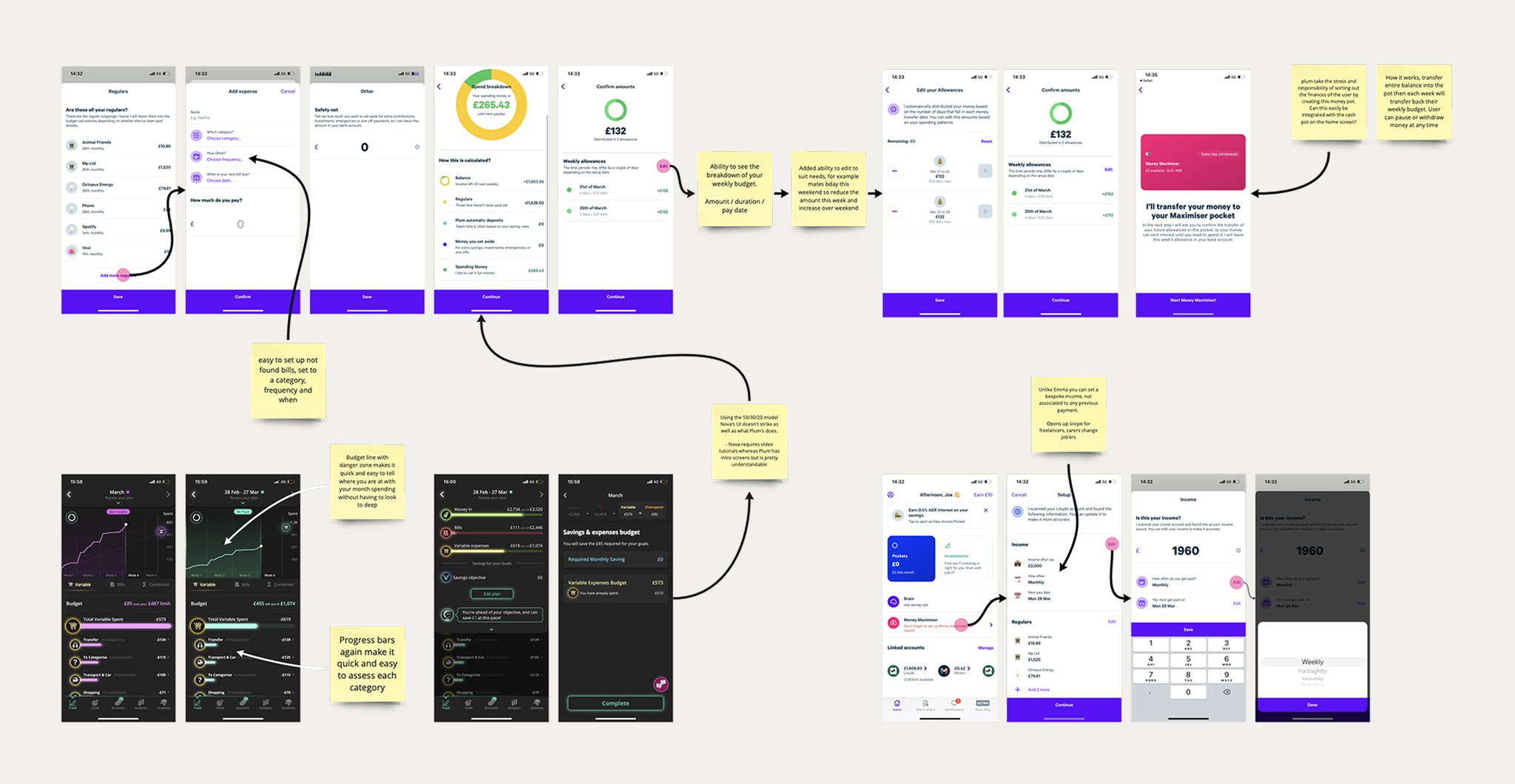
I reviewed leading budgeting tools and worked with Claro’s financial experts to identify gaps, UX opportunities, and clear areas for differentiation.
Outcome
A strategic understanding of how Claro’s budgeting tool could stand out and deliver real value to users.
MoSCoW
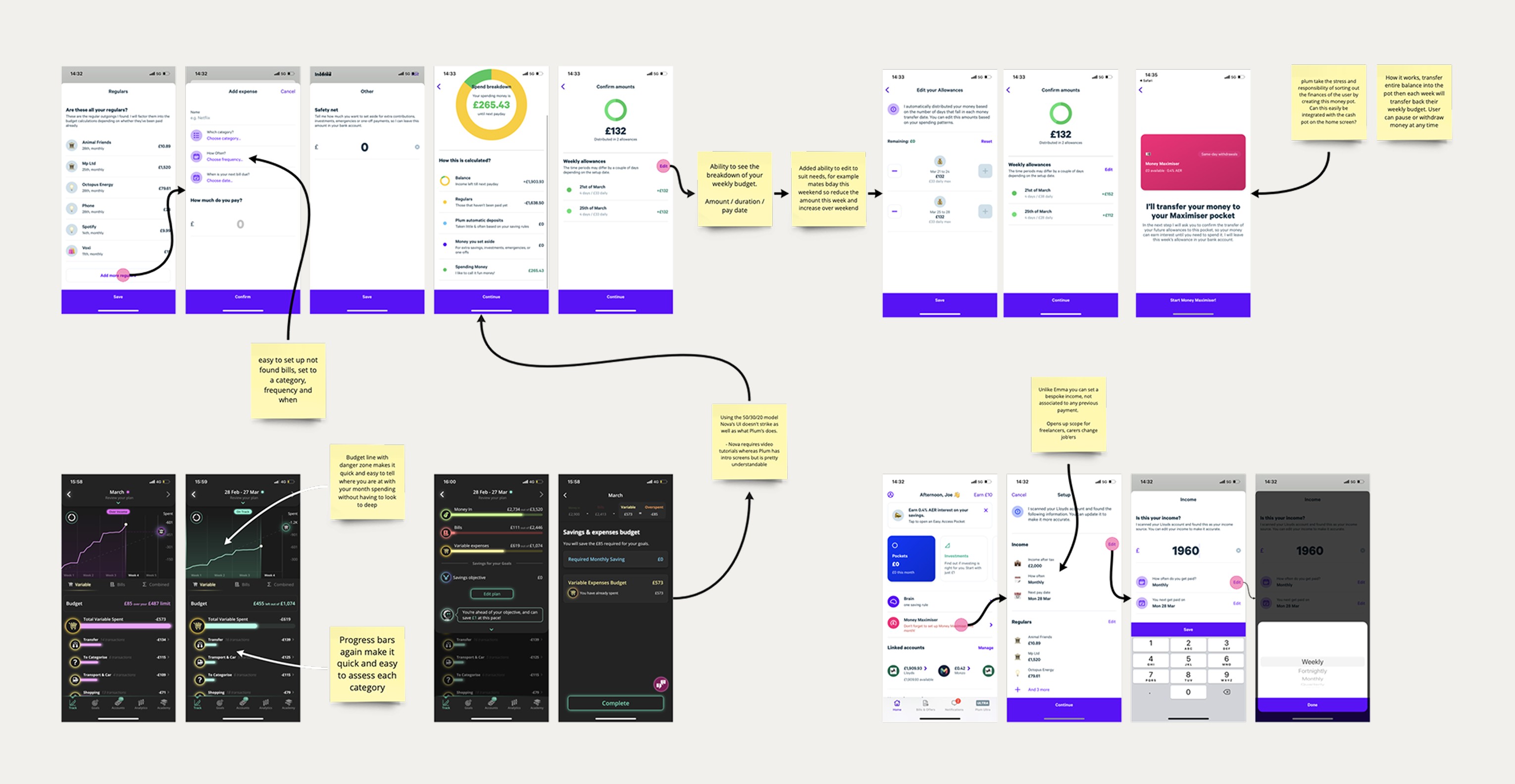
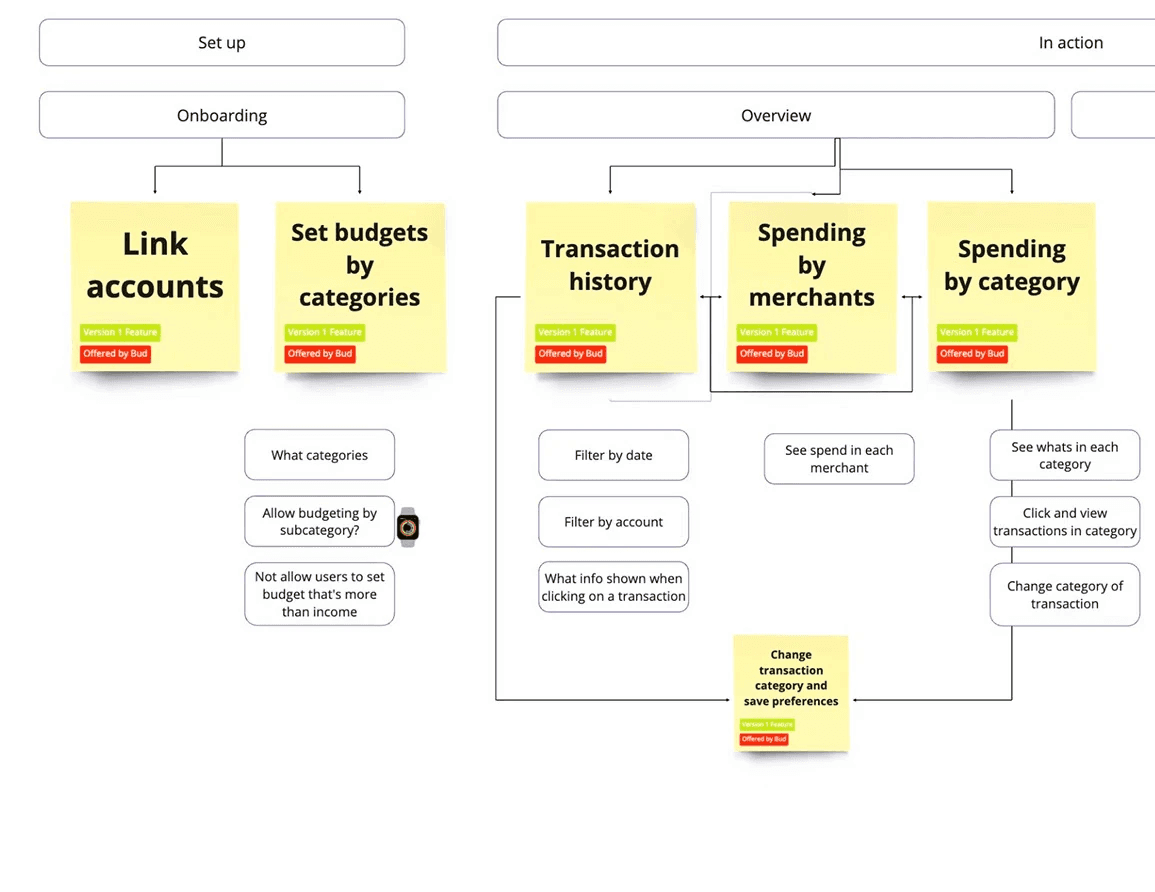
Working closely with engineering, I mapped aspirational ideas against technical constraints and project timelines.
Outcome
A validated, stakeholder‑approved feature tree that defined a realistic MVP.
Low Fidelity designs
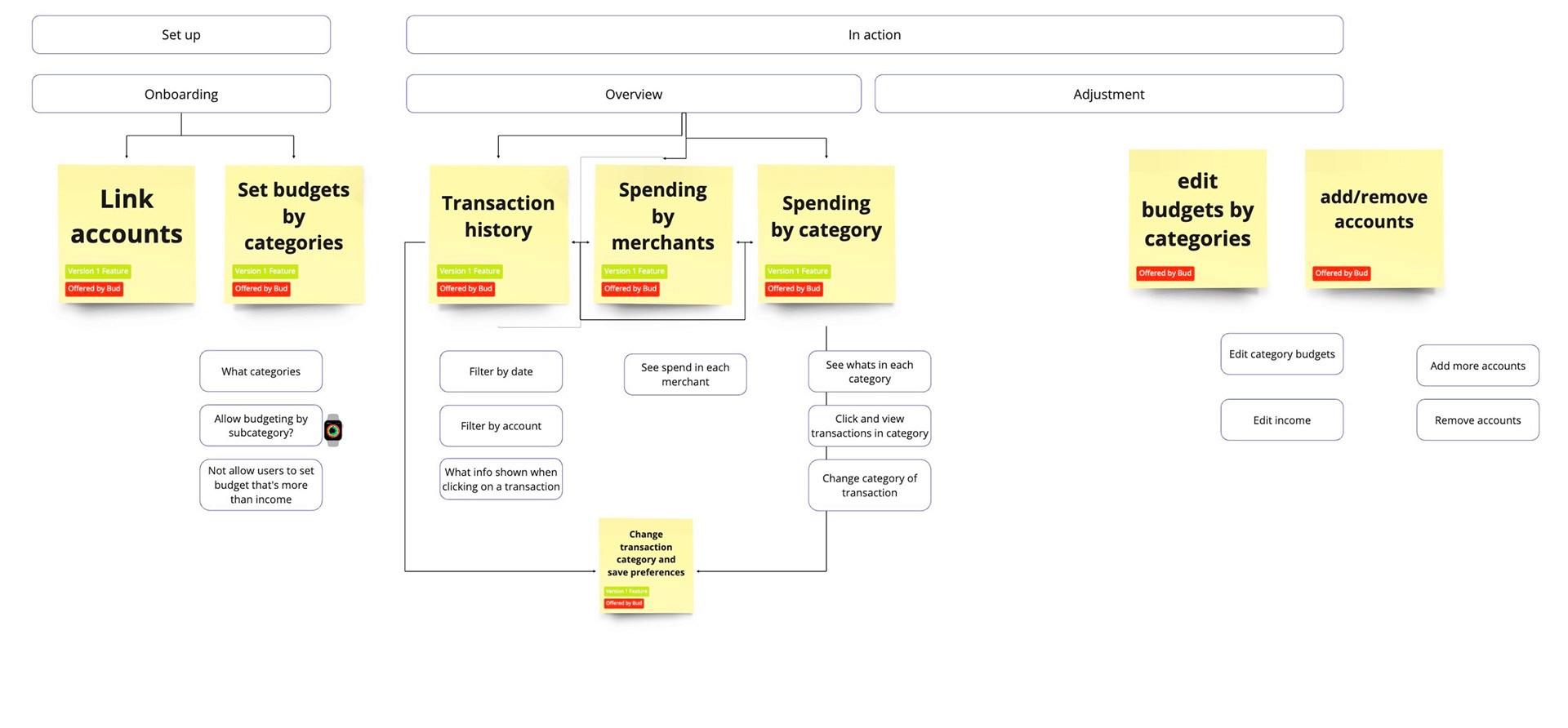
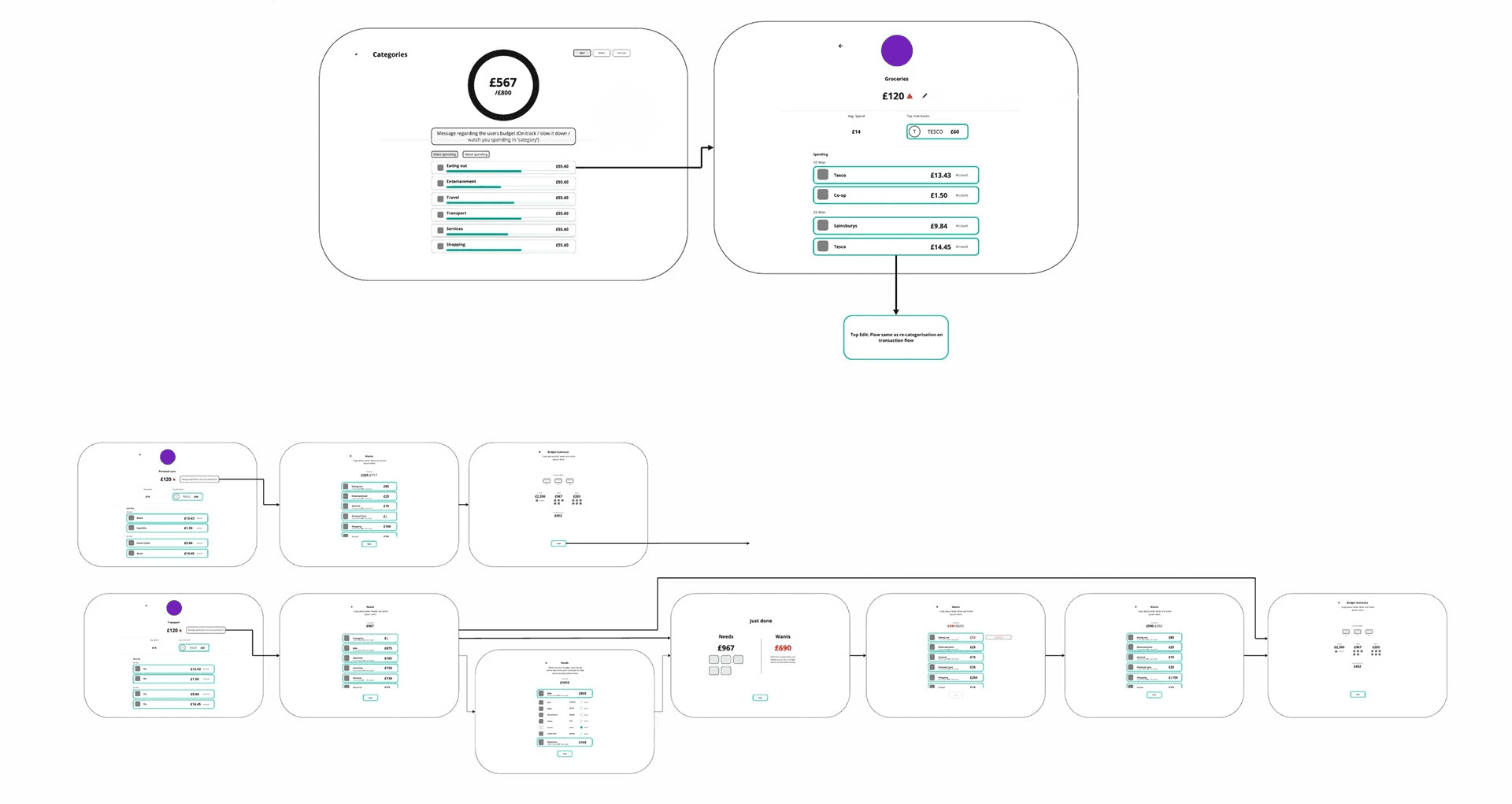
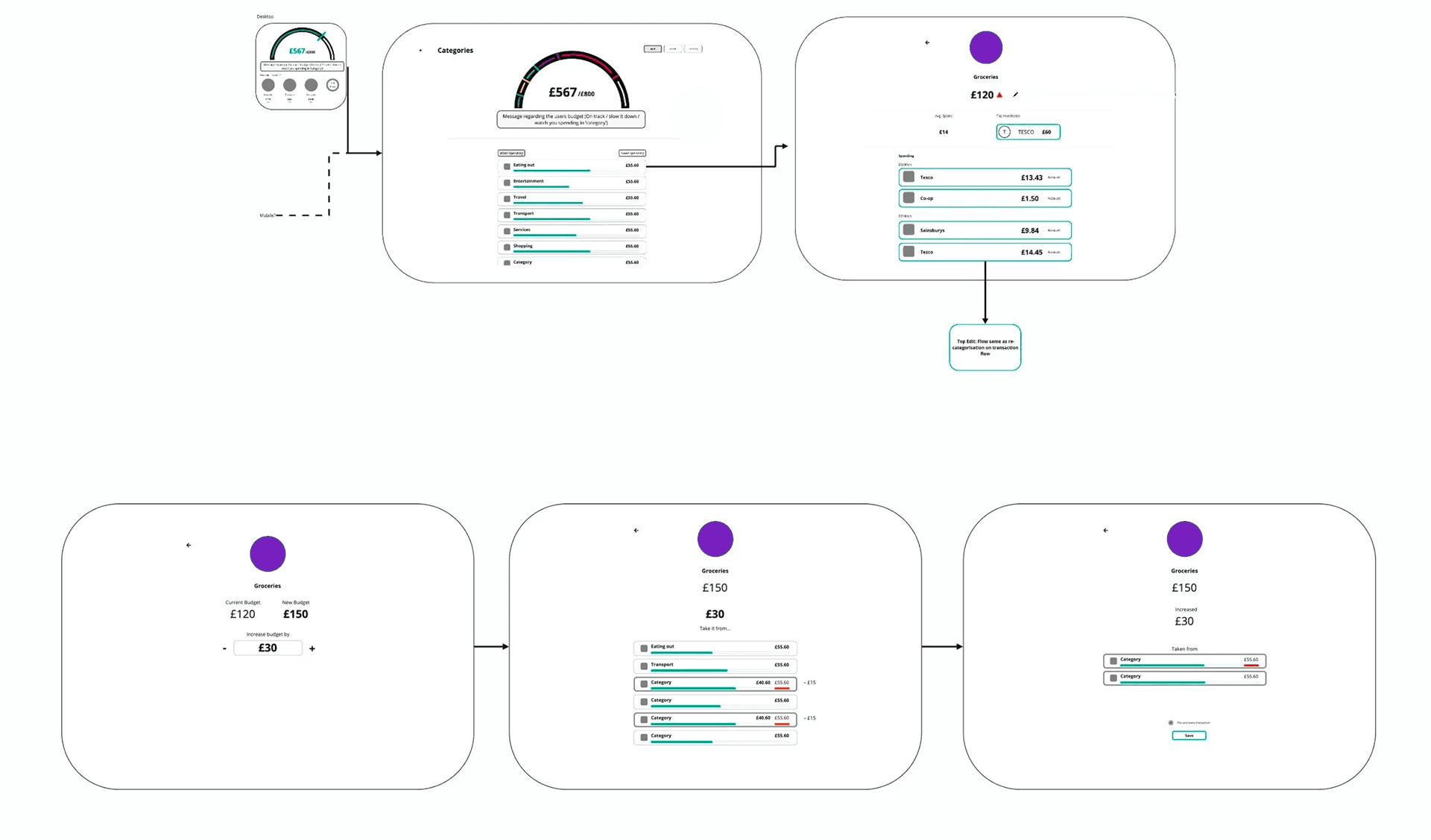
I created early flows and low‑fidelity layouts in Miro to focus purely on structure and functionality before exploring UI.
High Fidelity designs
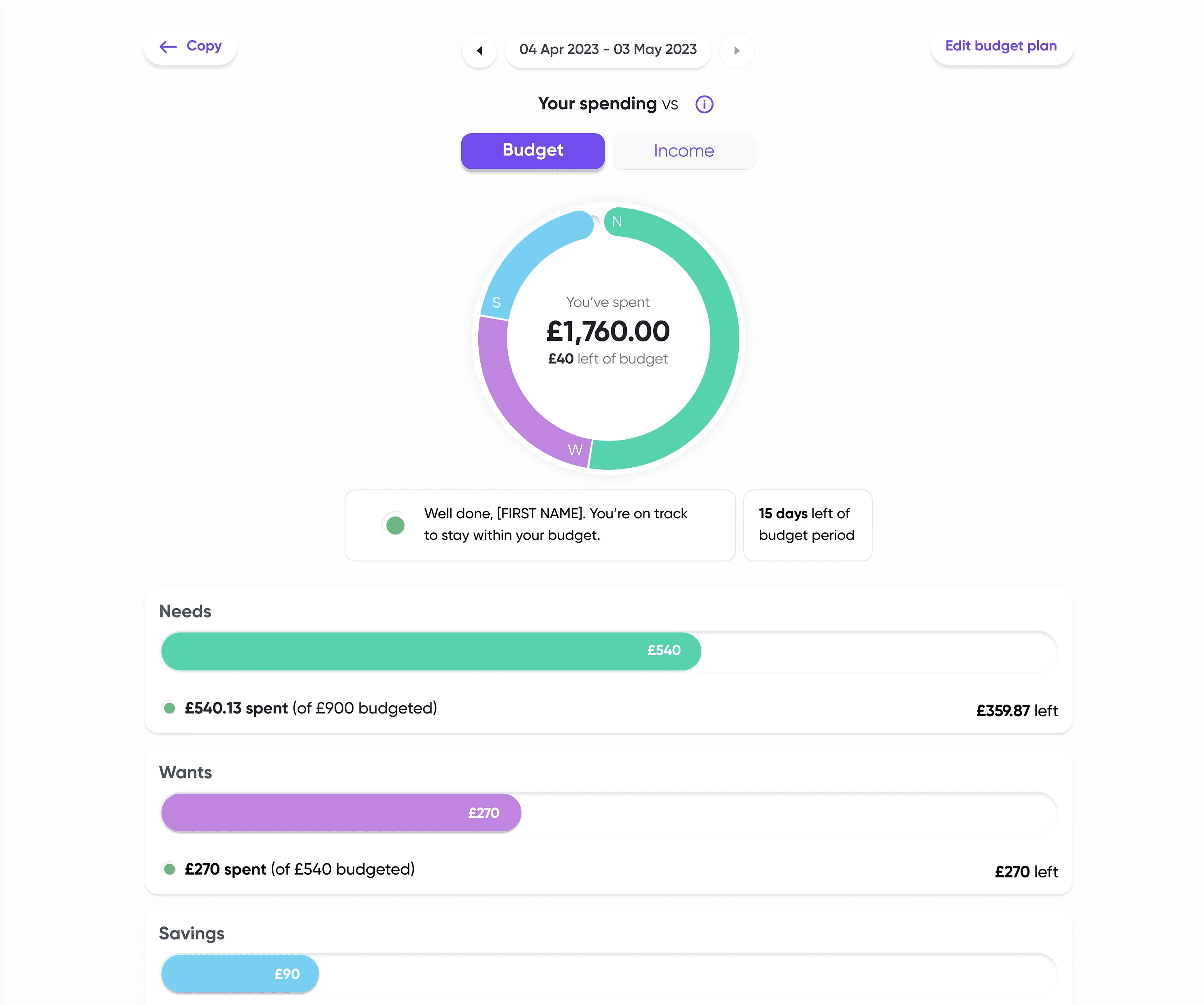
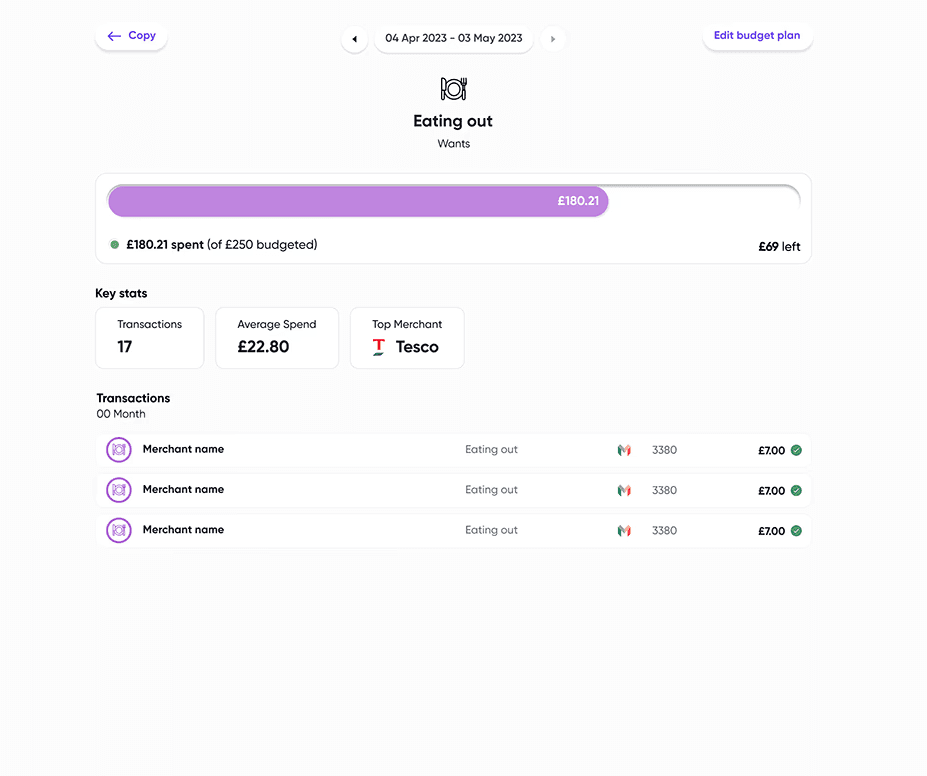
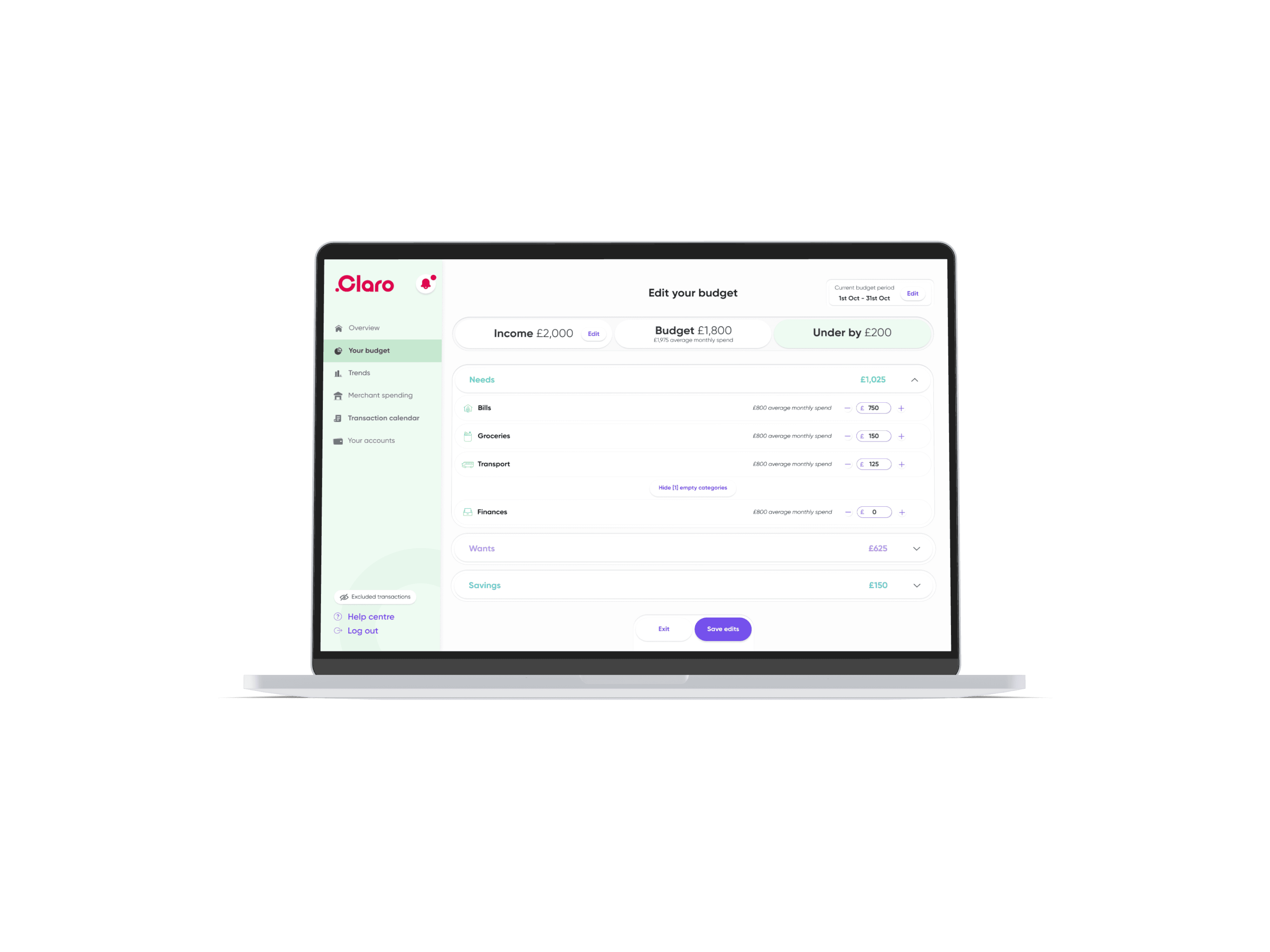
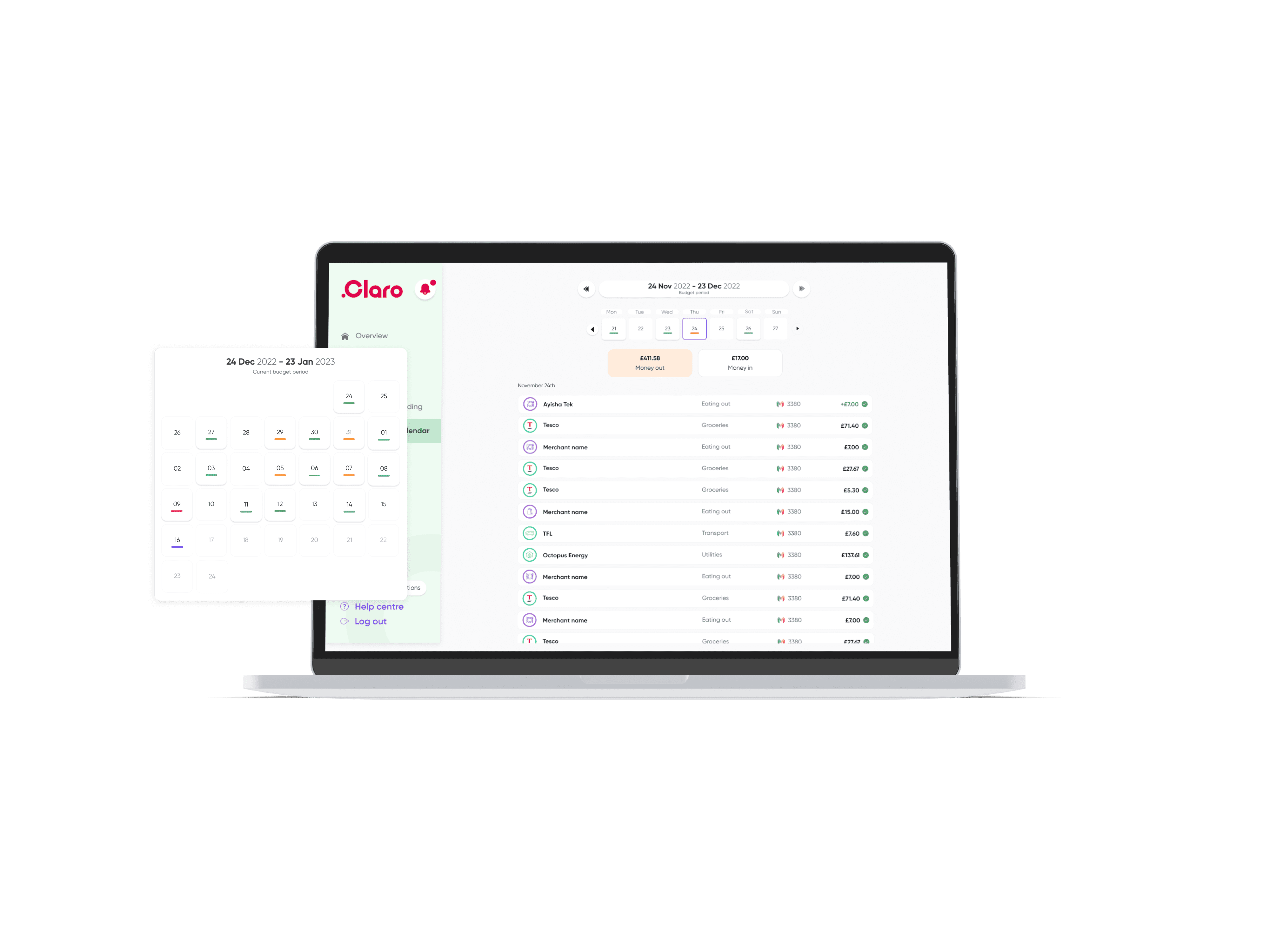
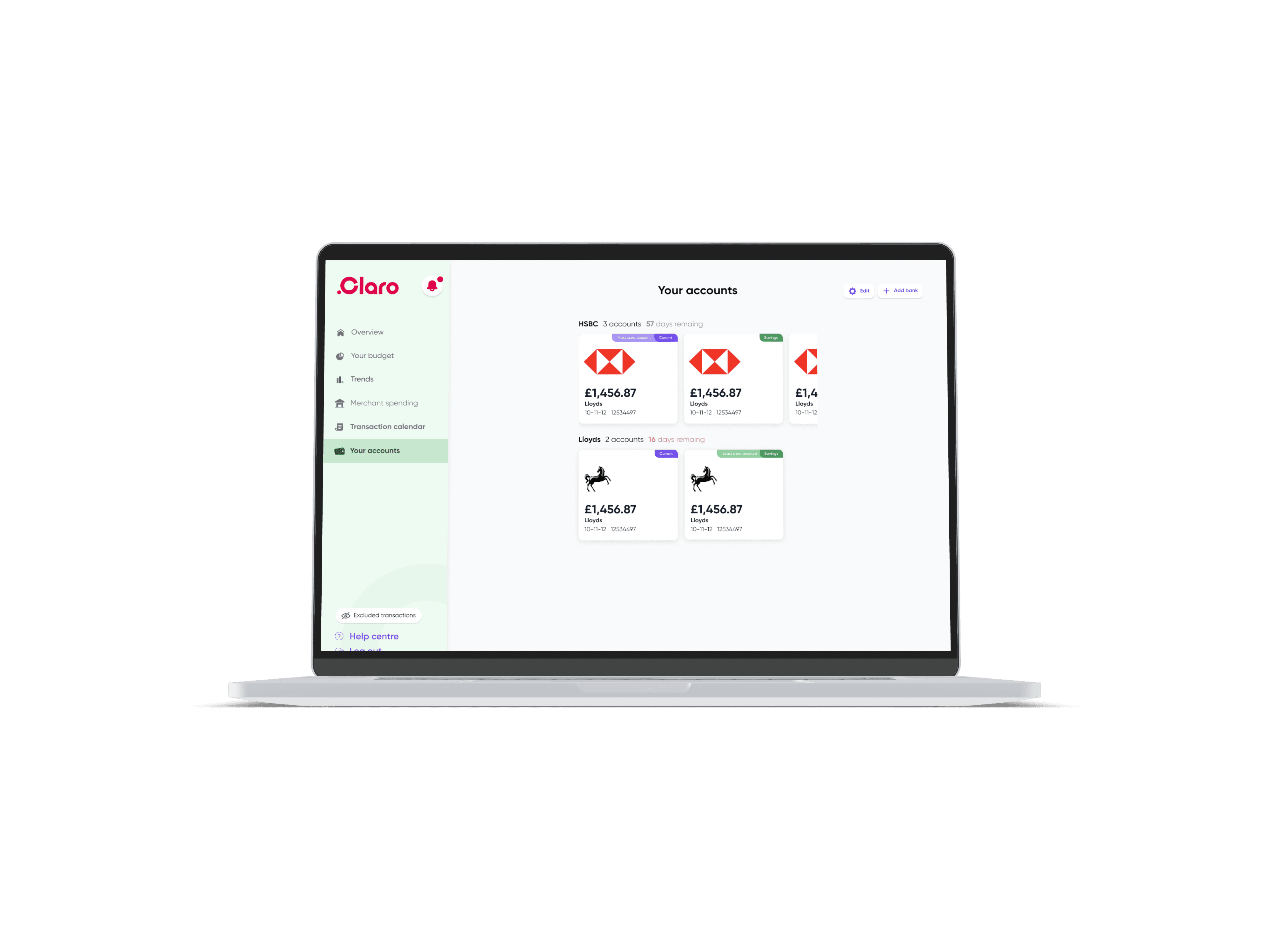
The designs were brought to life in Figma with a focus on clarity, hierarchy, and lightweight financial guidance.
User testing
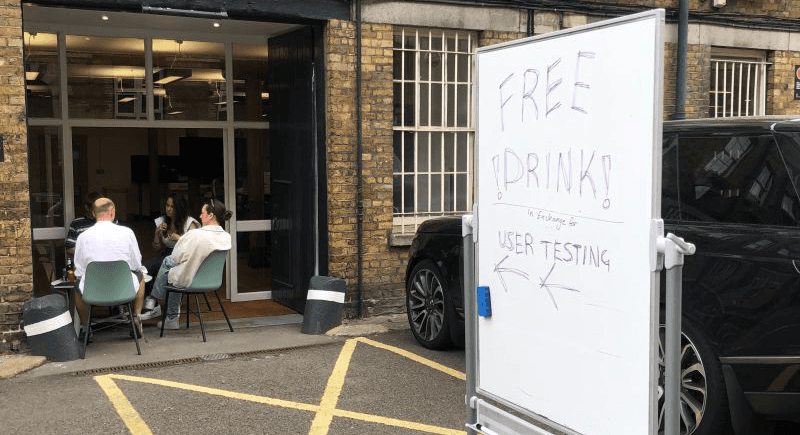
With limited resources, we ran guerrilla testing outside our office using a Figma prototype. Participants talked through their decisions as they navigated budget setup and tracking flows
Iterations and Solutions
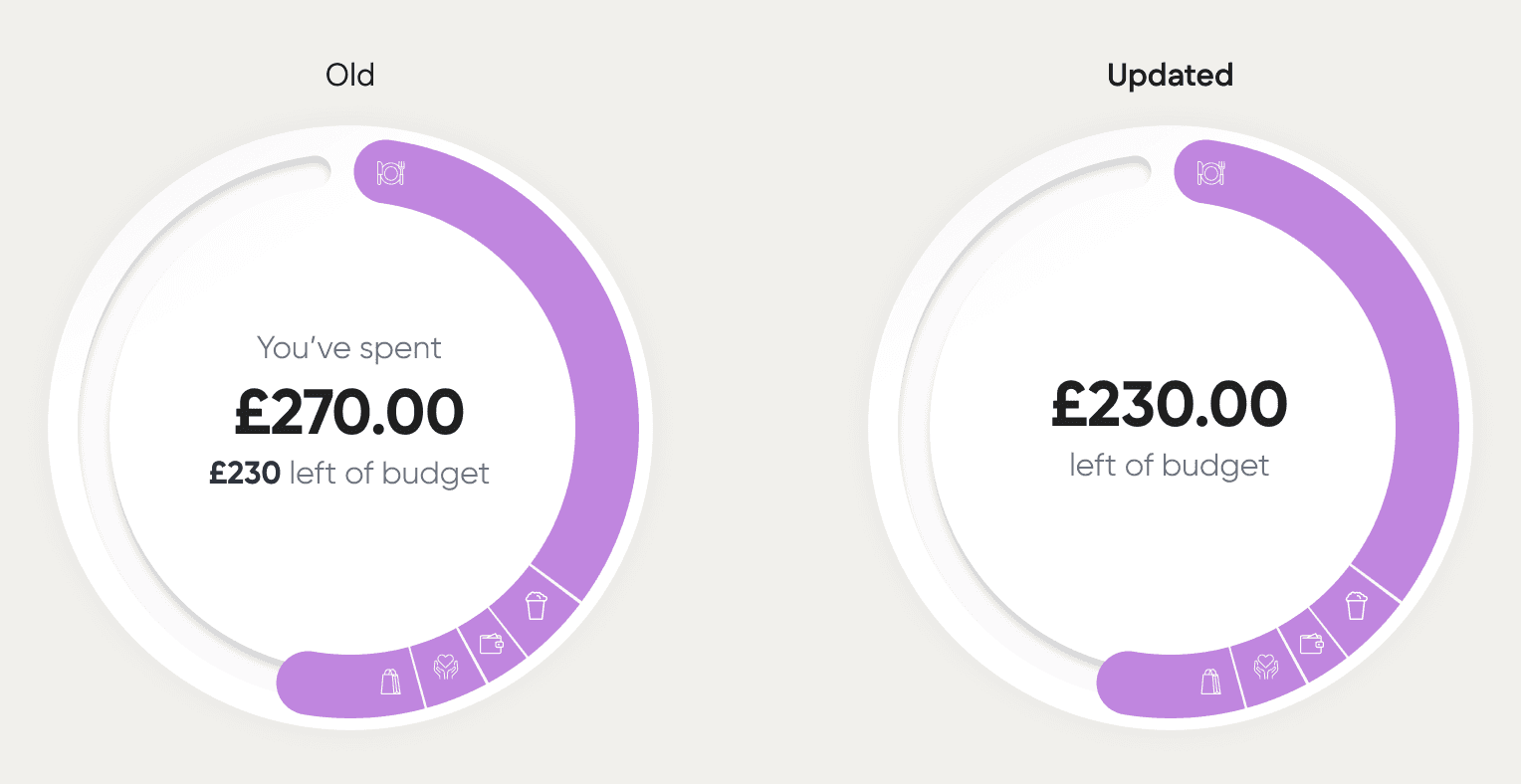
Calculation Clarity
Simplified labels and removed redundant text for instant recognition.
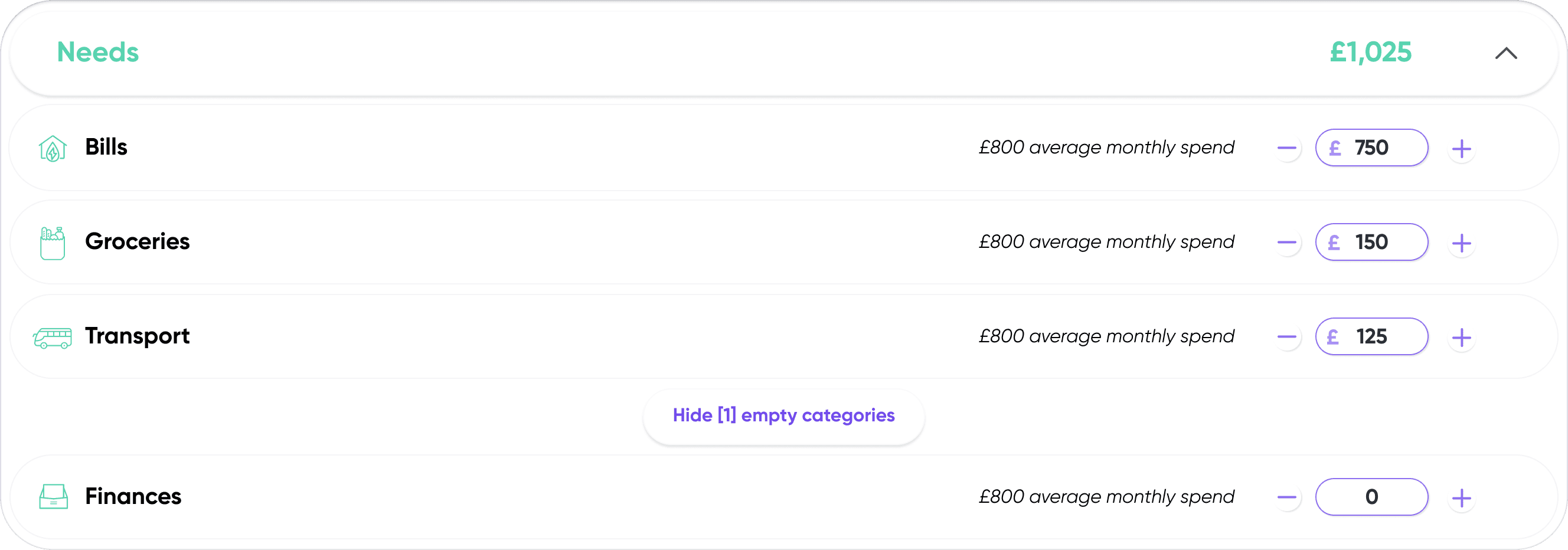
Functionality
Replaced sliders with numeric inputs + plus/minus controls.
Hierarchy & Navigation
Moved category tabs to the top and added transitions for clearer context shifts.
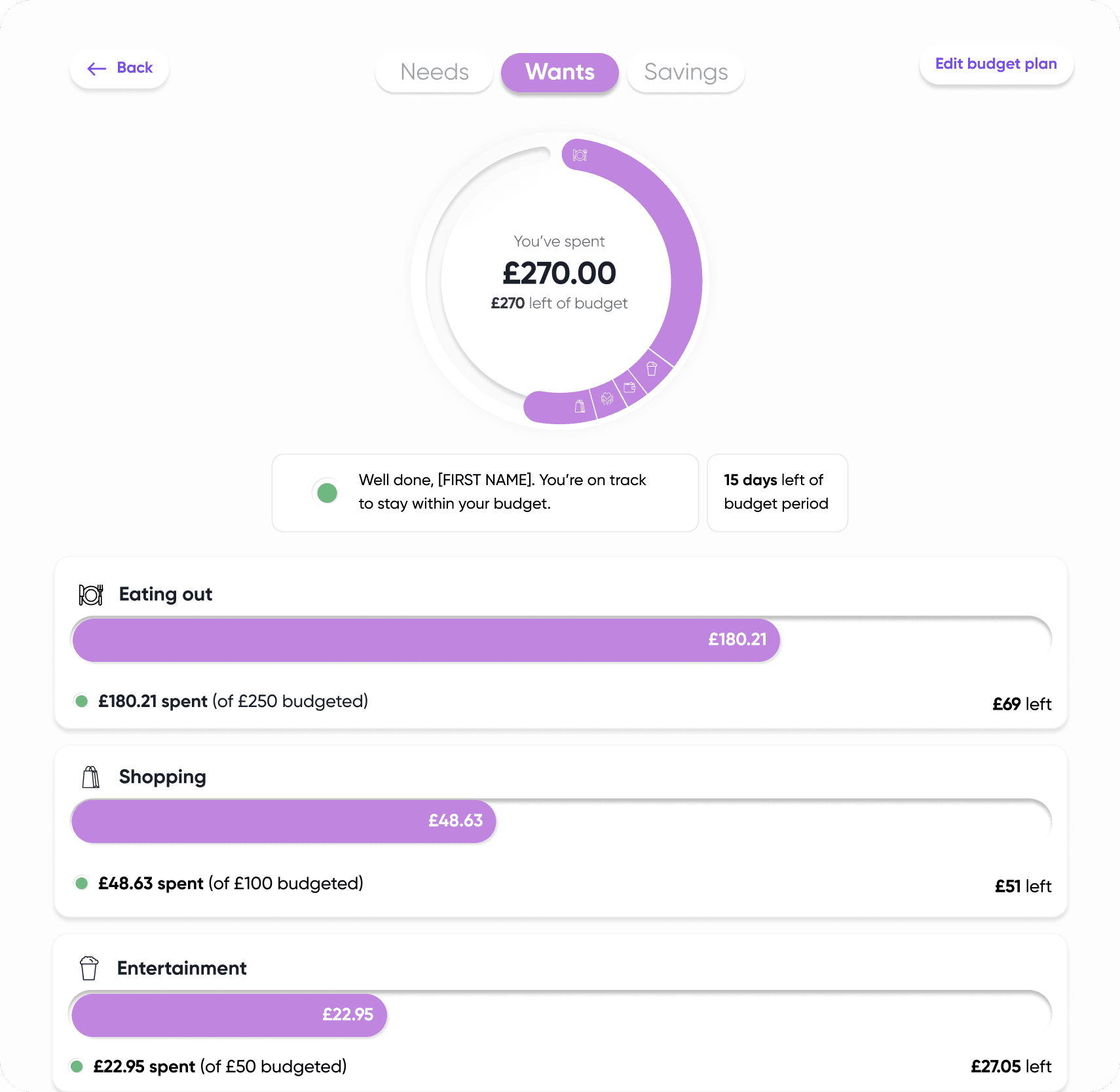
Outcome
A clearer, more intuitive budgeting experience that improved accuracy, reduced confusion, and supported users in managing their finances confidently.
Final Thoughts
This project strengthened my ability to collaborate with engineering, design for clarity in financial contexts, and iterate quickly based on real user behaviour.