Claro Financial Wellbeing
Junior UX/UI designer
Feb 2022 - Aug 2023
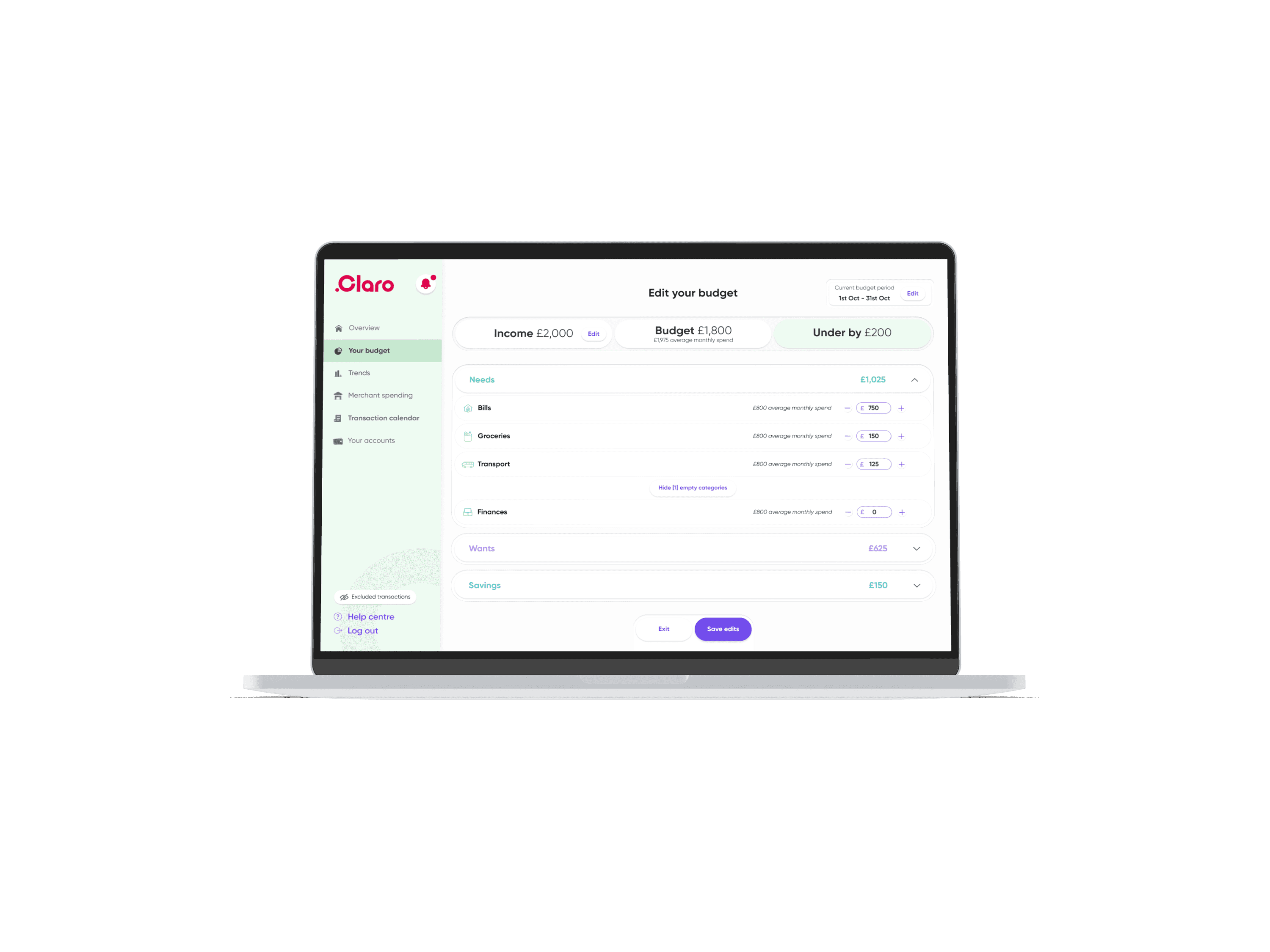
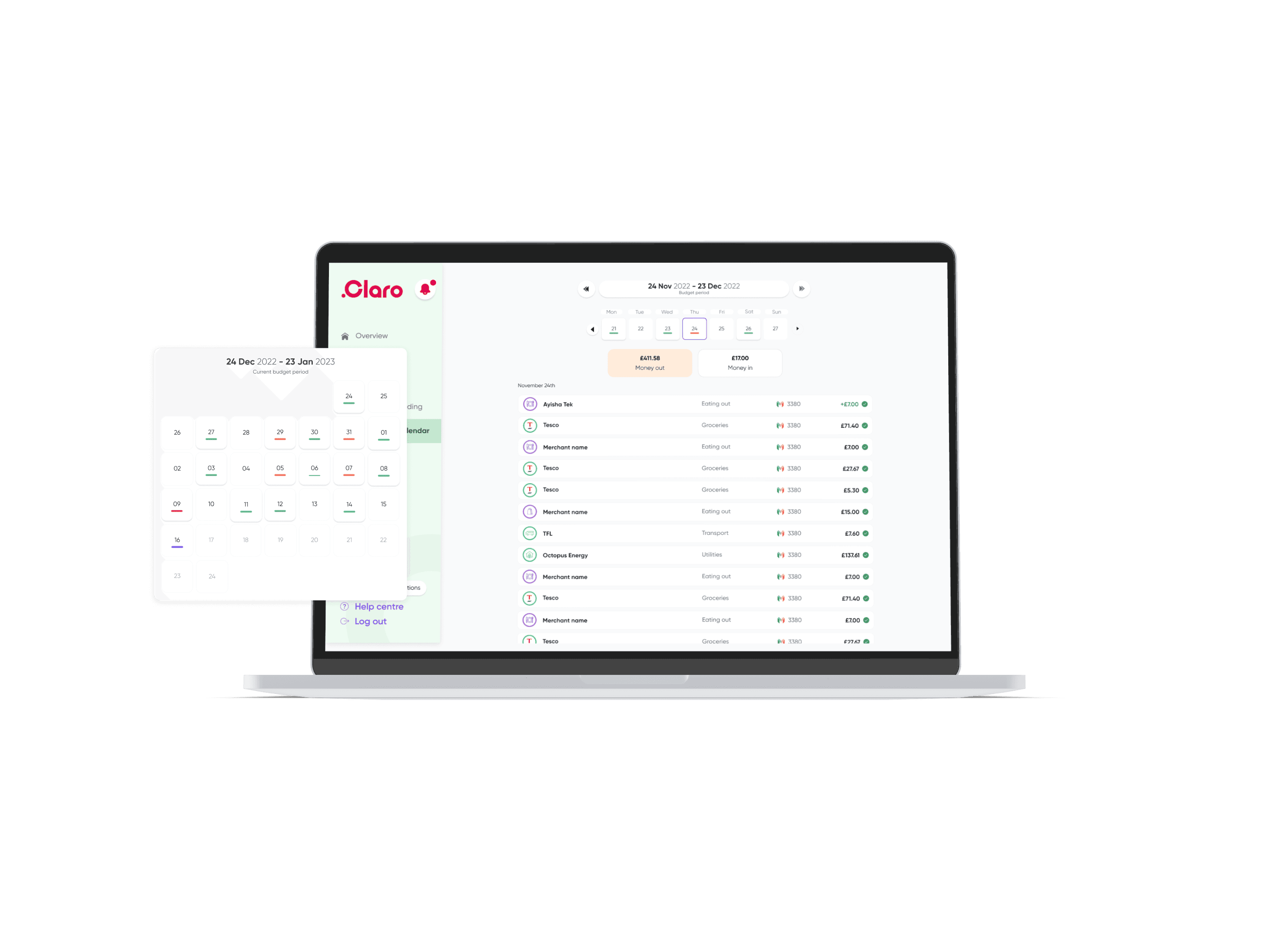
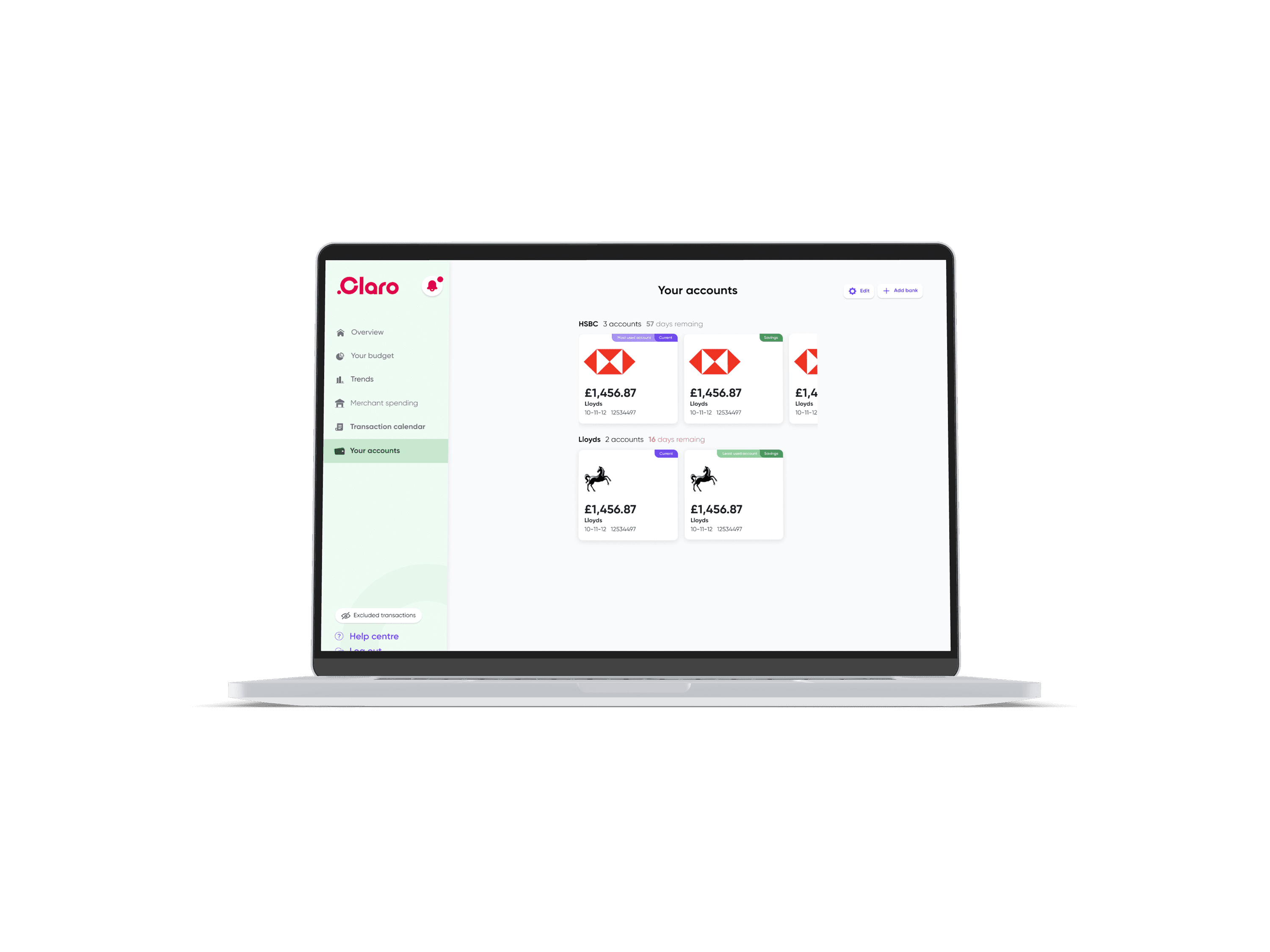
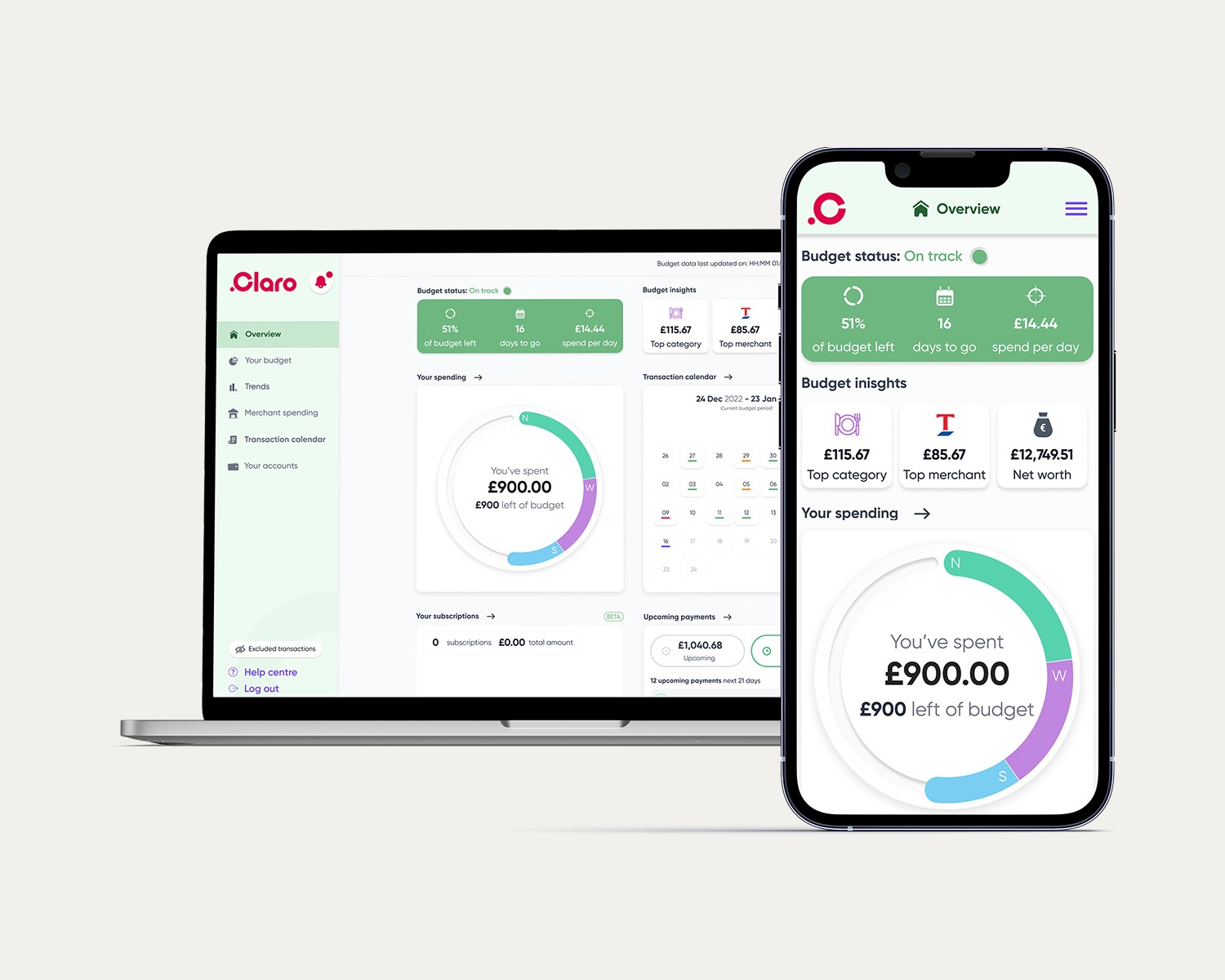
My role, as Junior UX/UI Designer, at Claro Wellbeing was to design a multi functioning budgeting tool, for desktop and mobile, to competitively break into the market.
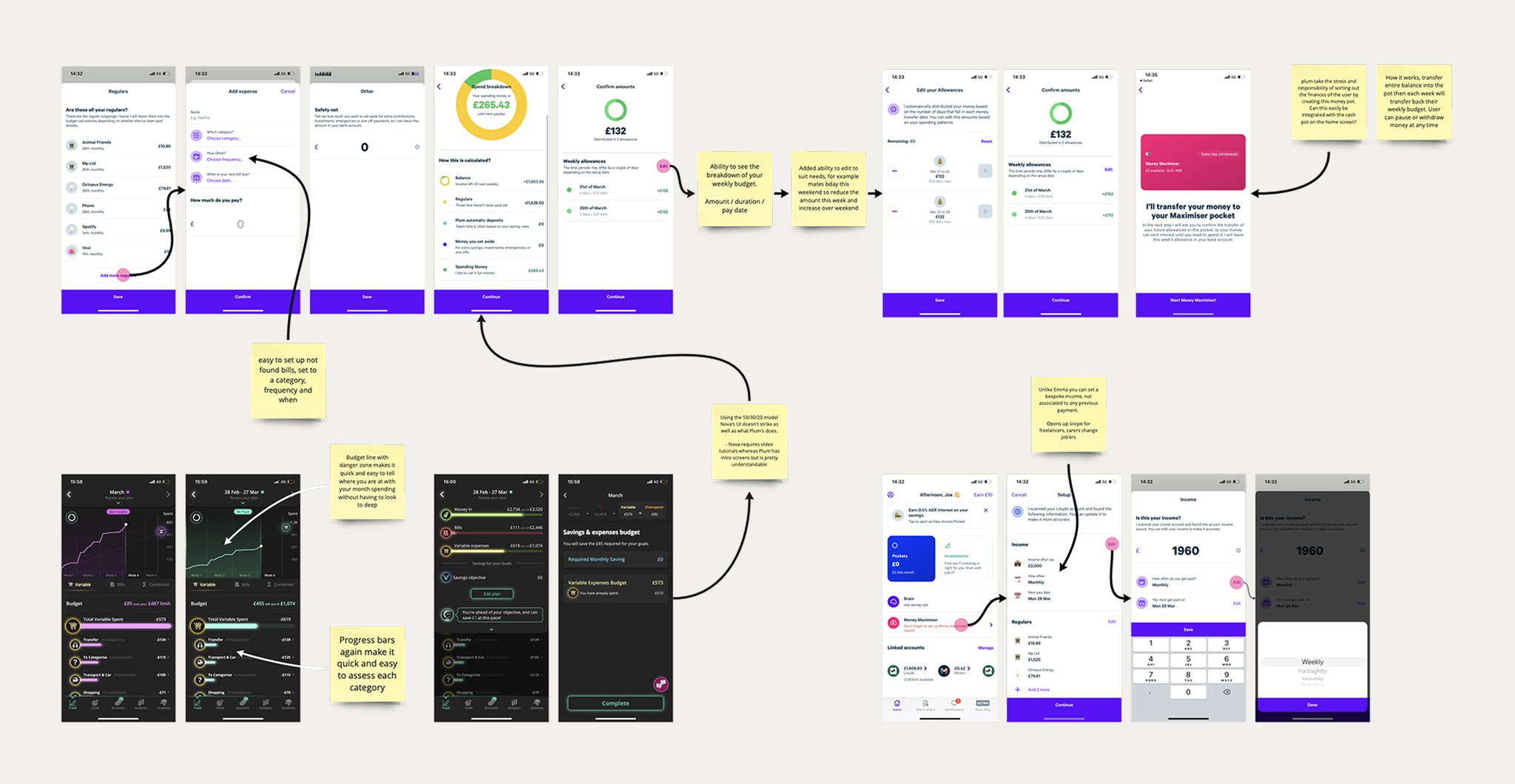
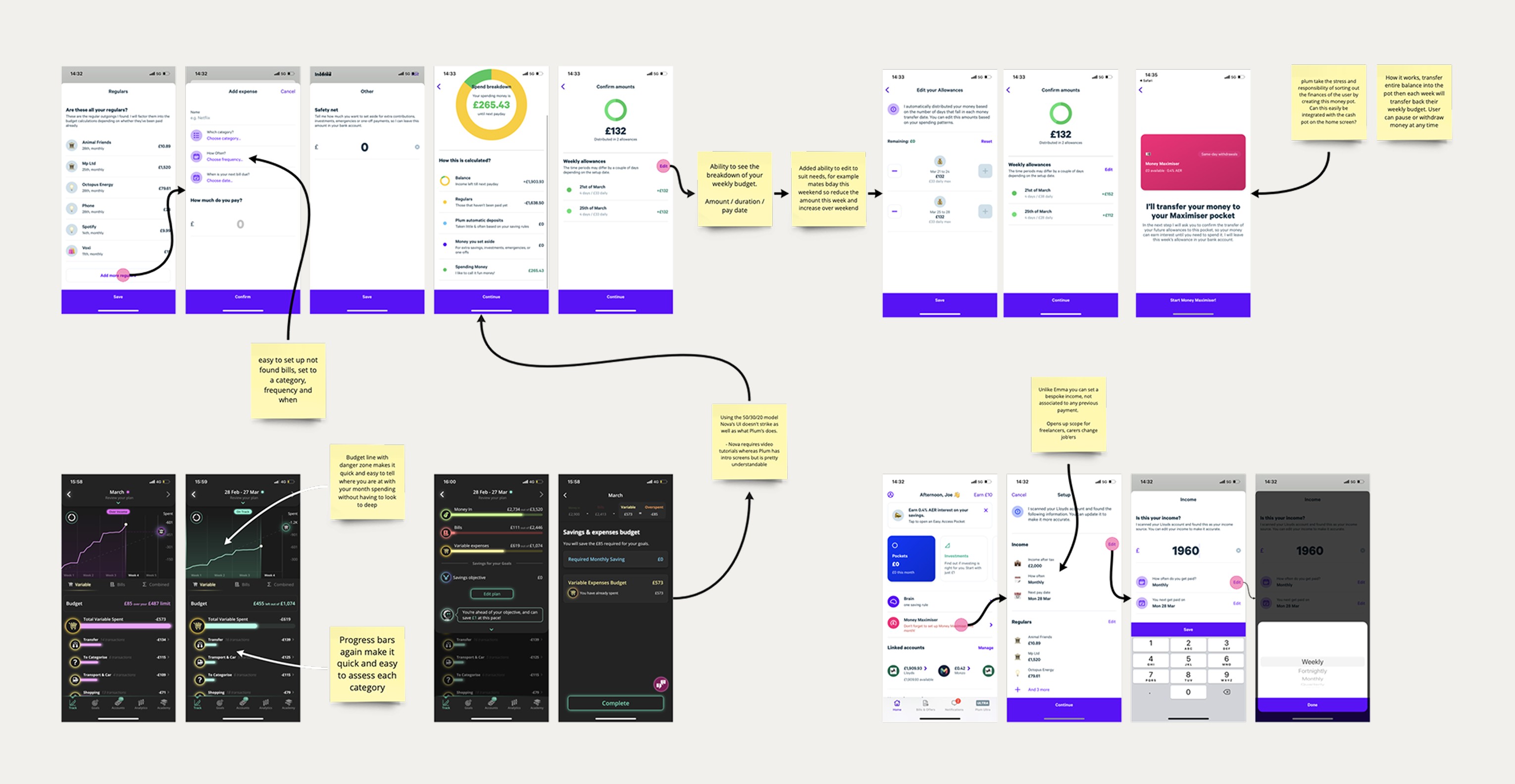
Competitor Analysis
To begin the project I needed to understand our computers and the current market of budgeting tools. Cross examining these with our in house financial experts allowed me to identify feature gaps and opportunities for differentiation. By combining my expert-informed understanding of user needs with detailed competitive intelligence, I could develop a more strategic approach to positioning our budgeting tool in the market and defining its unique value proposition.
Outcome
By combining my expert-informed understanding of user needs with detailed competitive intelligence, I developed a more strategic understanding of how our budgeting tool will sit in the market.
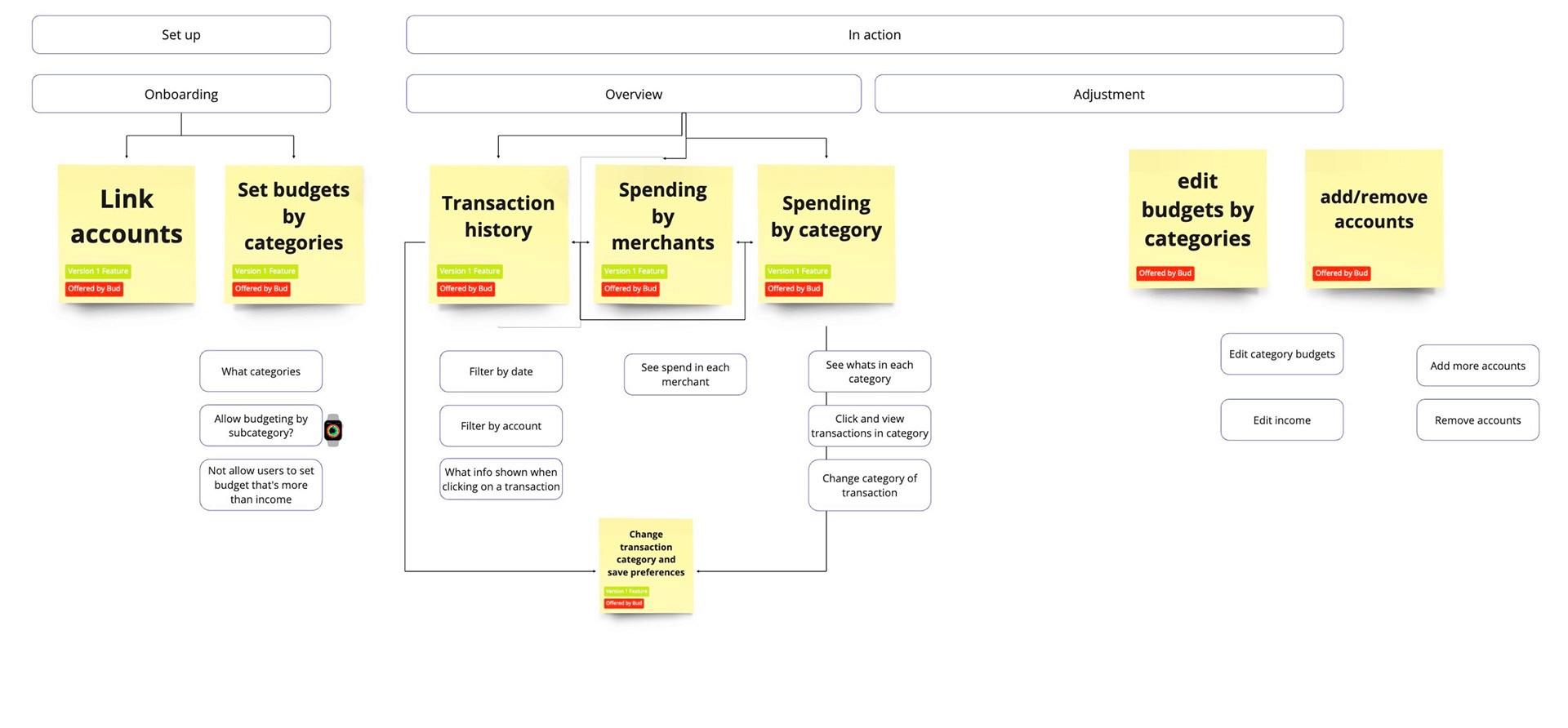
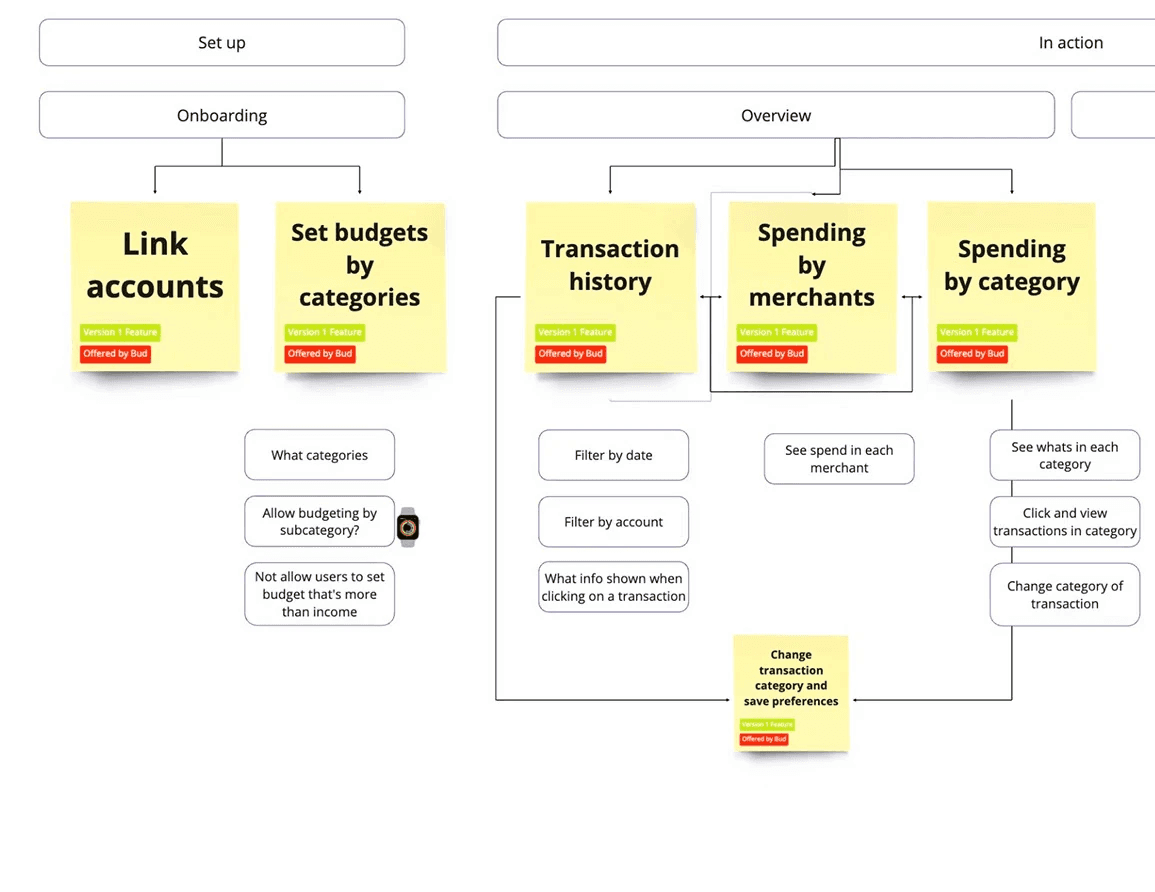
MoSCoW
Critical technical discussions with our development team to distinguish between aspirational features and achievable deliverables within our timeline and budget. Enabling us to create a realistic yet compelling project scope that we could confidently present to stakeholders, ensuring alignment between market opportunities, technical constraints, and business objectives.
Outcome
A technically validated, stakeholder-approved feature tree that transformed market insights into actionable deliverables within realistic timeline and budget constraints.
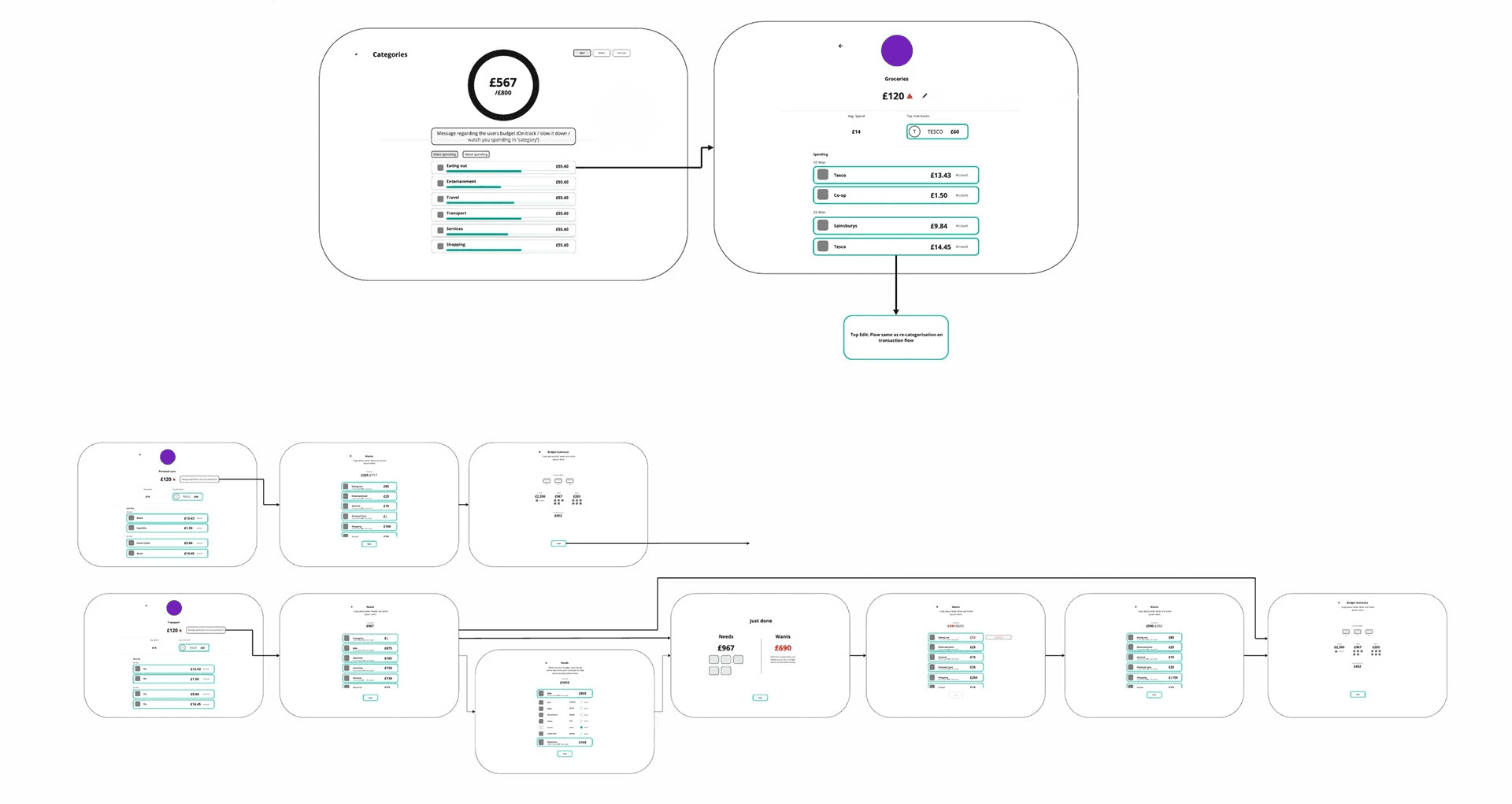
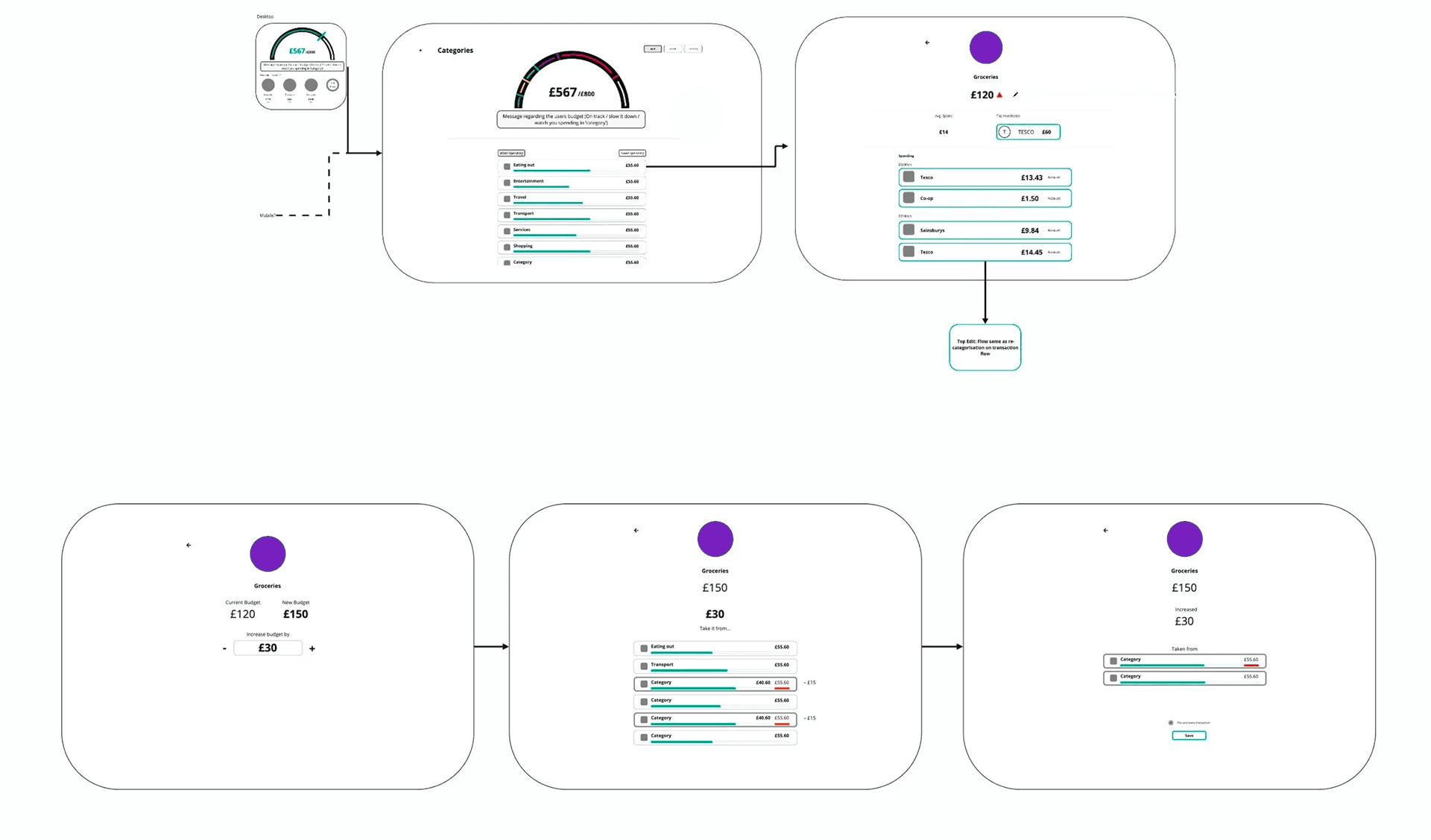
Low Fidelity designs
Using Miro helps to keep the focus on the functionality of the concept
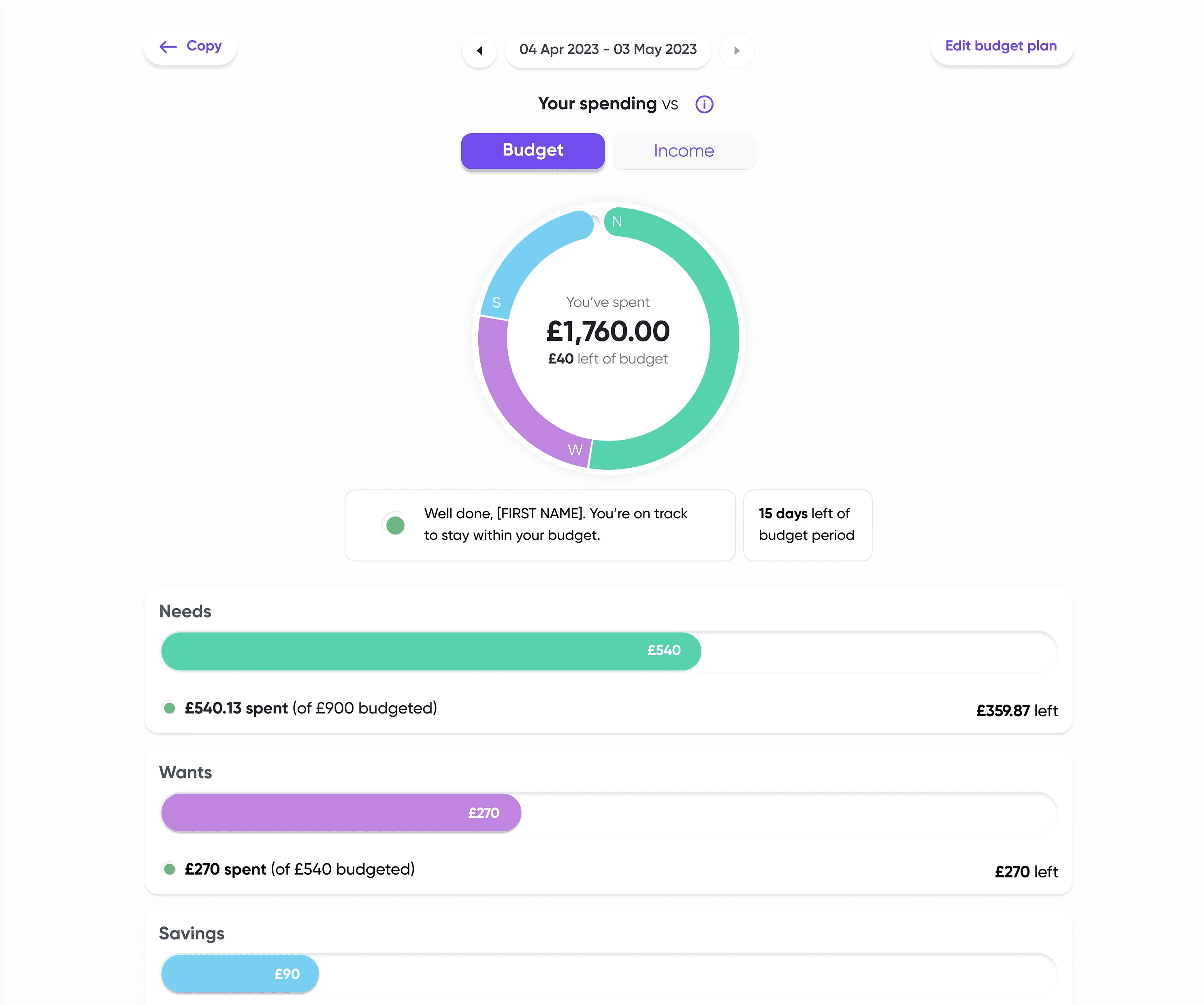
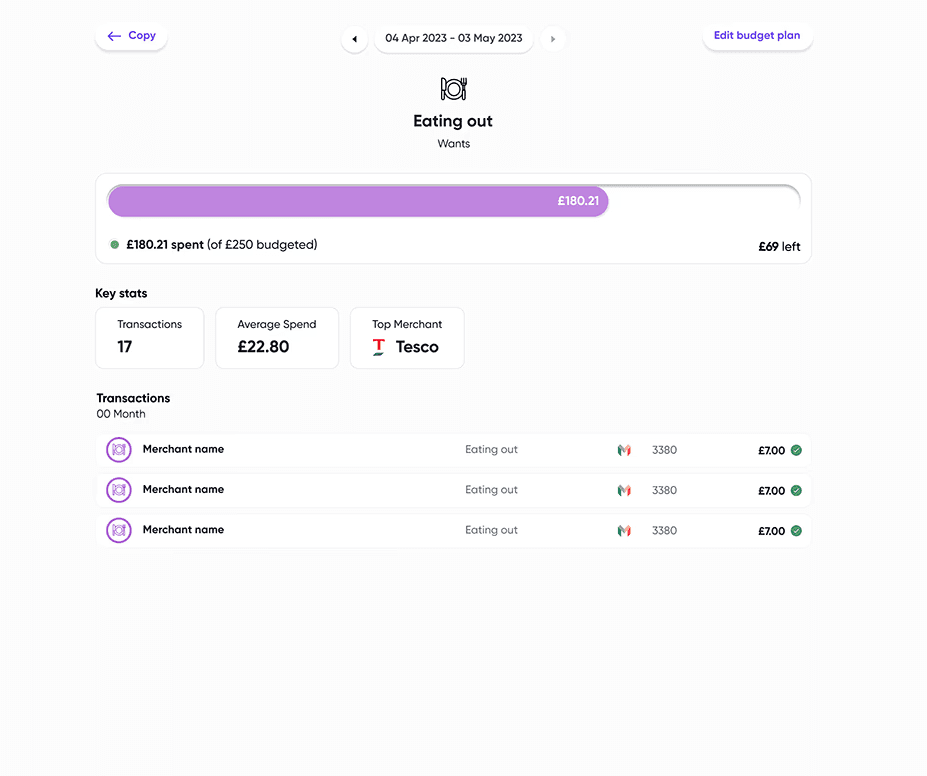
High Fidelity designs
Bringing the designs to life on Figma

User testing
Start up environments mean you need to take your initiative. We didn't have big budgets, but we did have the sun shining and Local Shop selling drinks.
The user test consisted of instructing the users to set up and identify budget totals on a Figma Prototype. They were encouraged to speak allowed any thoughts and confusion they encountered.
Real-Time Calculations
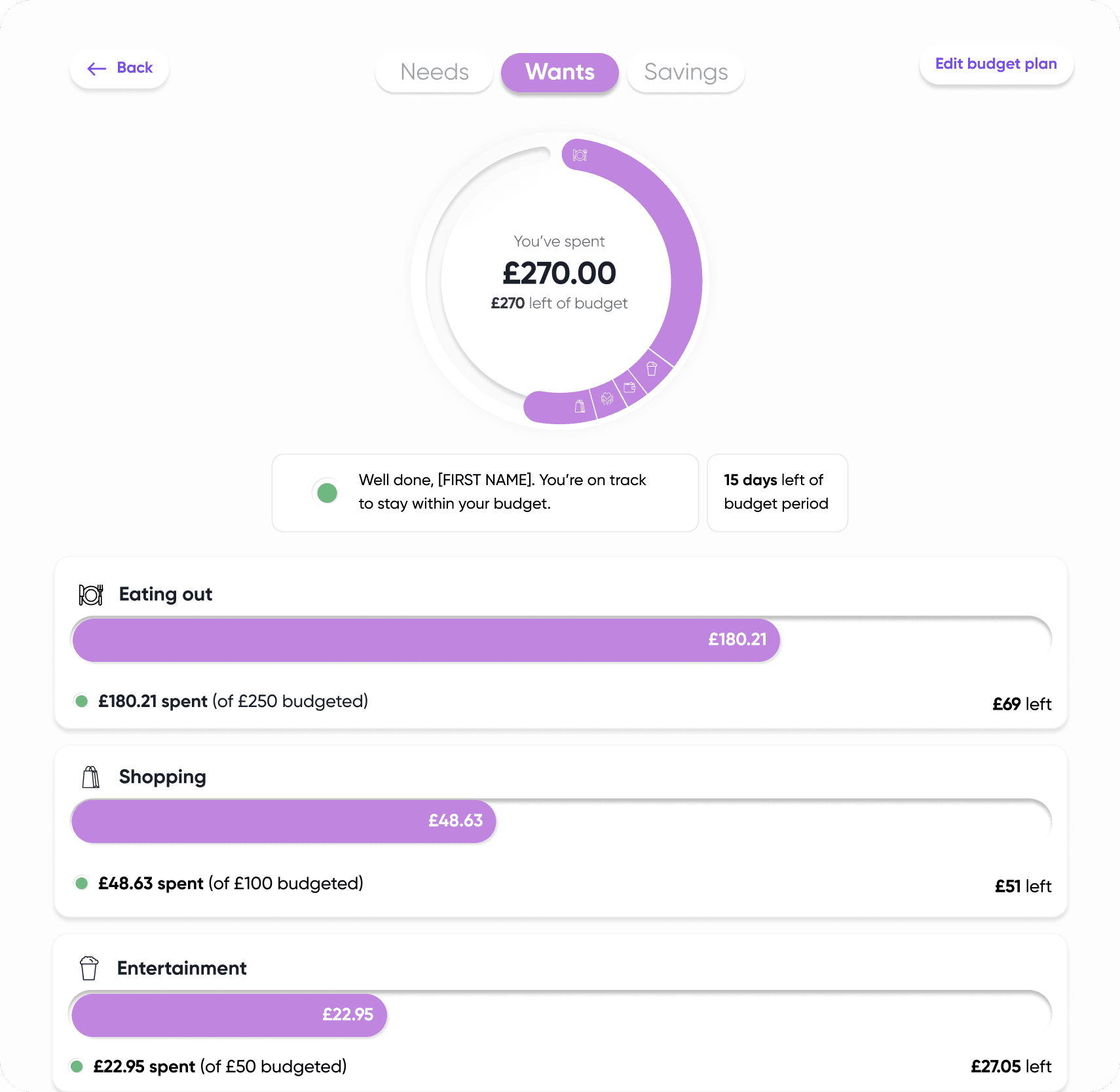
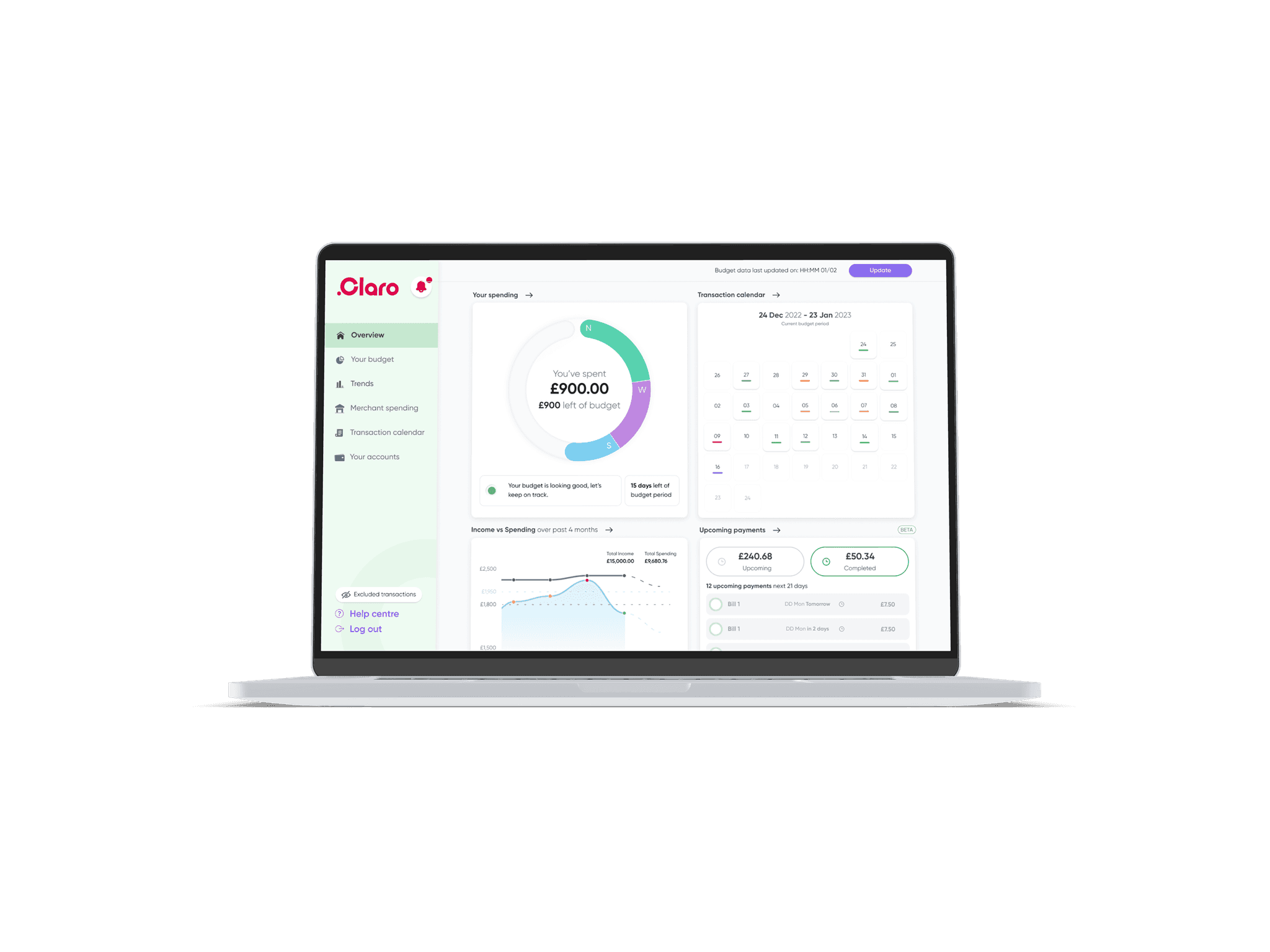
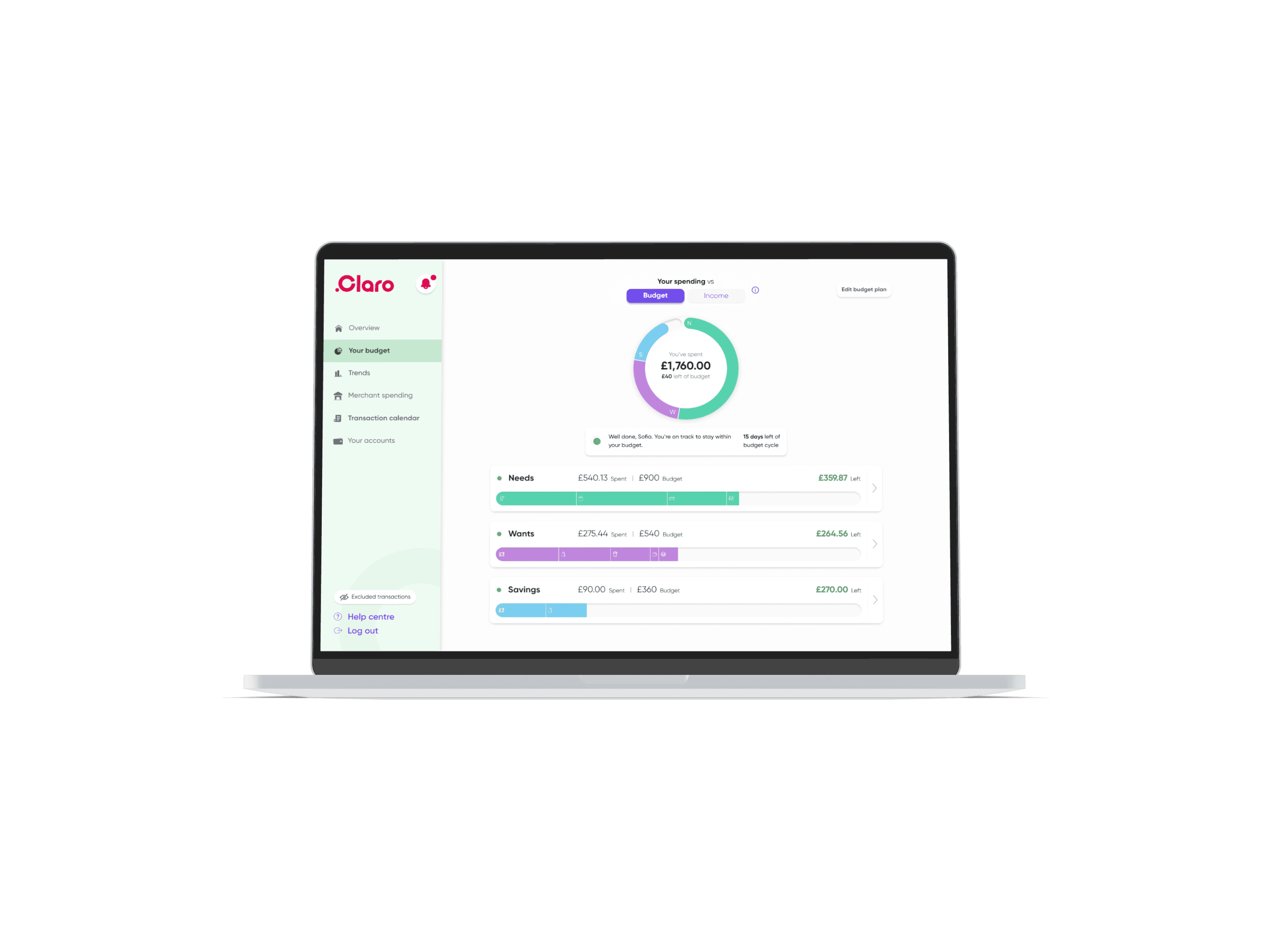
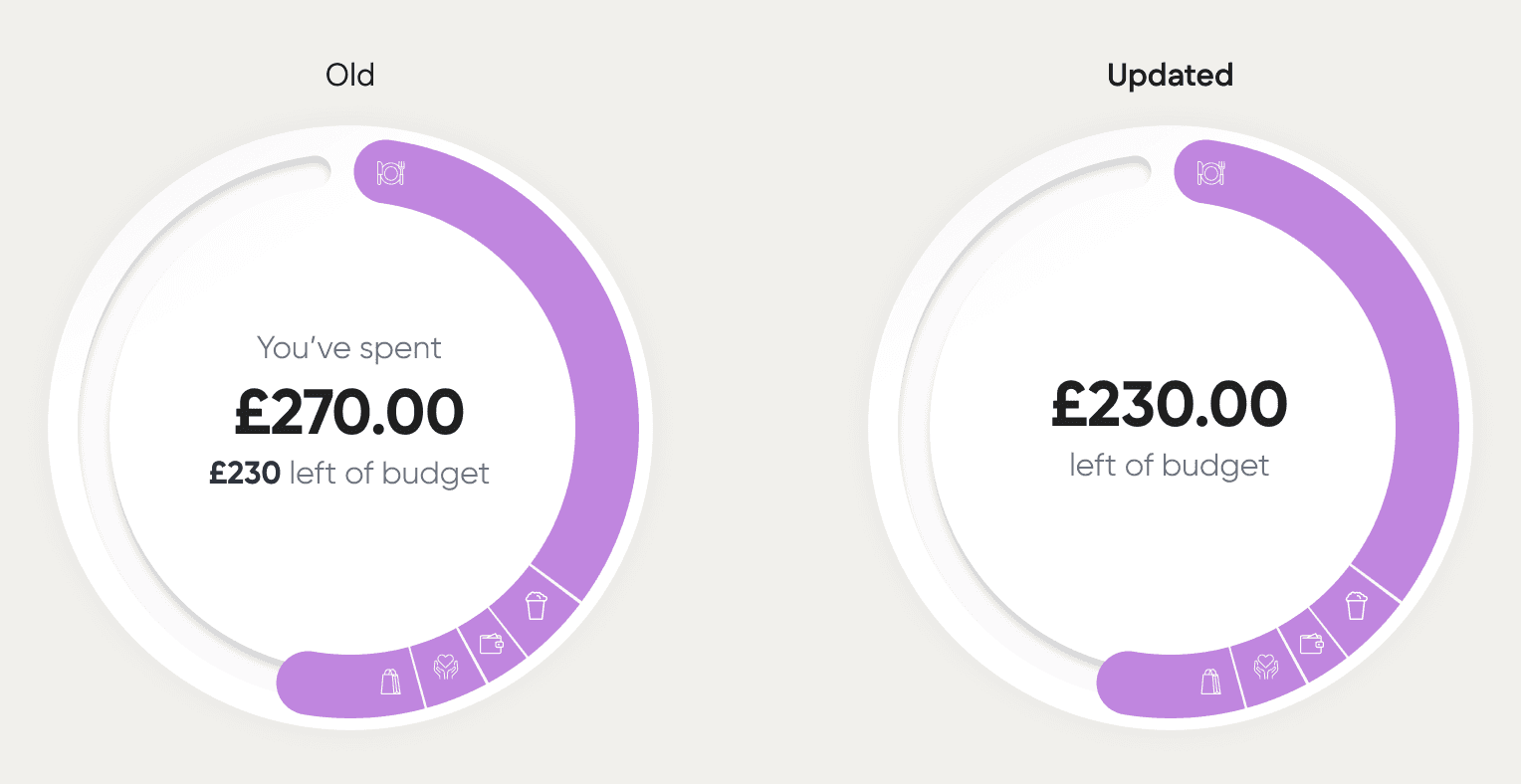
To help users quickly identify their remaining budgets, we revisited the labelling and naming conventions. Reducing the text within the Budget Pie Chart enabling the user to identify, with ease, the amount remaining.
Functionality
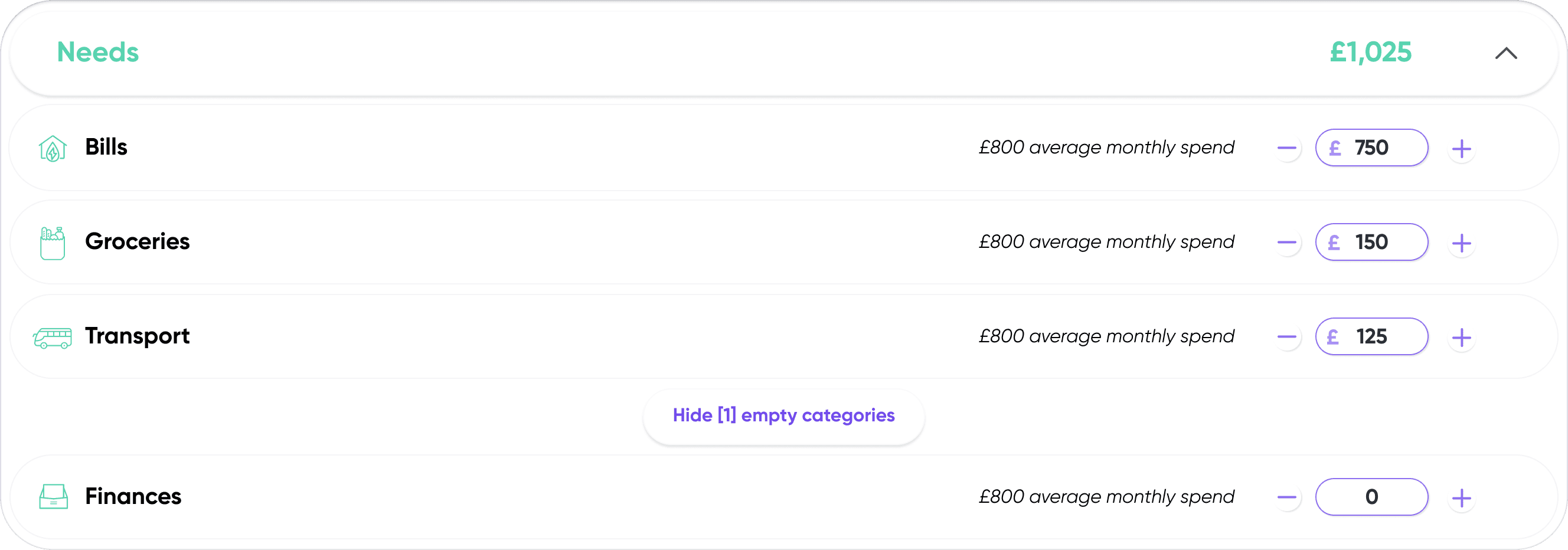
Ditching entirely the drag bar functionality for a more simple text input field accompanied by plus and minus controls.
Visual Hierarchy
Moving the tabbed navigation to the top of the screen, and adding a new screen transition when switching between categories aids users in identifying where they are without confusion.